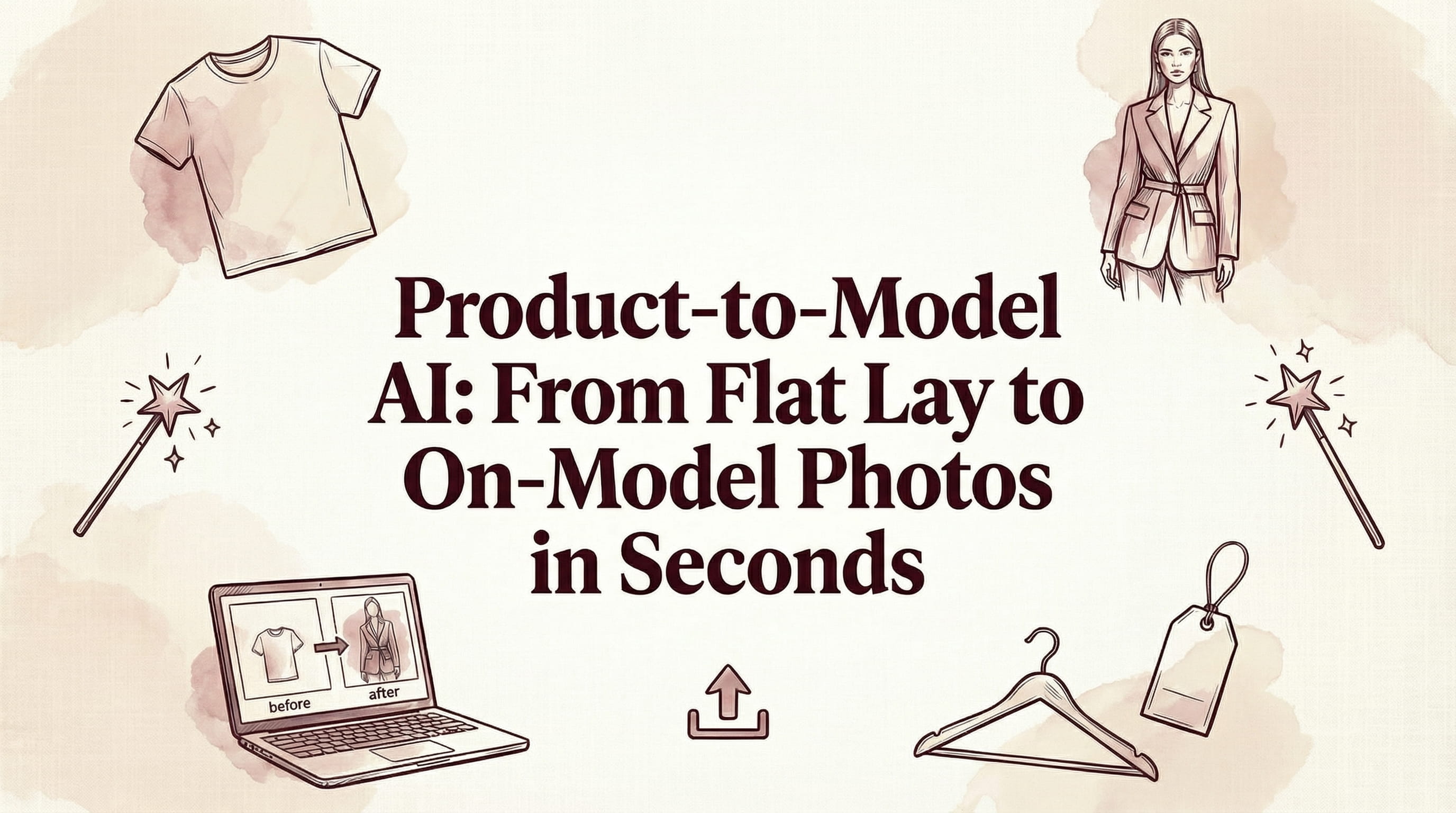
Product-to-model AI takes the most common type of product image — flat-lay photos covering clothing laid out on a surface, or ghost mannequin shots showing garments on invisible forms — and transforms them into professional on-model photography. No model, no photographer, no studio booking. Upload your product image, select an AI model, and download a publication-ready on-model photo in under 30 seconds.
This technology specifically solves the gap that most fashion e-commerce businesses face: having product images (every seller has these) but lacking on-model imagery (which requires expensive photoshoots). The conversion impact is significant — products shown on models consistently generate 30-50% higher conversion rates than the same products shown as flat-lays or on ghost mannequins, according to multiple A/B tests across the industry.
How Product-to-Model AI Works
The technology behind product-to-model conversion uses multiple AI systems working together:
- Garment detection and segmentation: The AI analyzes your input image to identify the garment, separate it from the background, and understand its shape, structure, and characteristics.
- Fabric and detail analysis: The system performs detailed analysis of the garment — identifying fabric type, color, print patterns, texture, logos, buttons, zippers, and other design elements that need to be preserved in the output.
- Model rendering: Using the selected AI model (or a model you upload), the system generates a realistic image of the model wearing the garment, accounting for body proportions, pose, and how the fabric naturally drapes.
- Compositing and refinement: Final generation ensures proper lighting consistency, shadow placement, and seamless integration of garment and model.
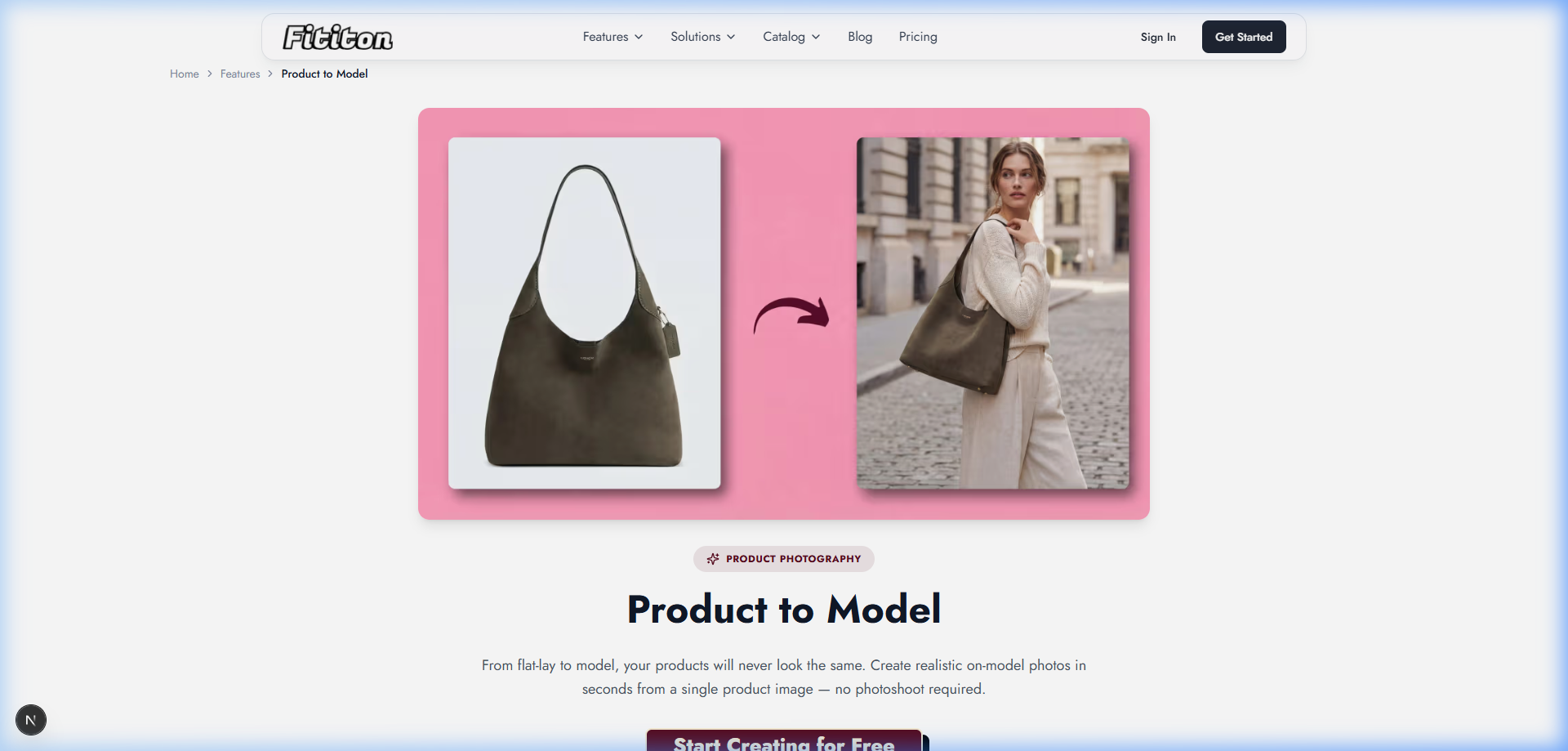
Types of Input Images That Work Best
Flat-Lay Photos
Clothing laid flat on a surface, photographed from directly above. Best practices: clean white background, garment fully visible with margins, no wrinkles or folds (iron/steam before shooting), even lighting without harsh shadows.
Ghost Mannequin / Invisible Mannequin
Garments displayed on a mannequin that's been removed in post-production. These often produce the best results because they show the garment's 3D form — how it falls, its natural shape, and proportions. If you have both flat-lay and ghost mannequin versions, try the mannequin version first.
Packshots / Hanger Shots
Garments photographed on hangers or as standard product packshots. These work well when the garment is clearly visible and well-lit.
What Doesn't Work Well
- Heavily creased or wrinkled garments (the AI will reproduce the wrinkles)
- Extremely dark or underexposed photos
- Garments partially obscured or folded
- Very low resolution images (below 500px on any dimension)
Using Product-to-Model on Fit It On
Fit It On's product-to-model feature walks you through a simple process:
- Upload your product image — flat-lay, ghost mannequin, or packshot
- Select an AI model — choose from 100+ diverse preset models, or create a custom model (Pro/Agency plans) from a text description using AI model creation
- Configure generation settings — choose quality (1K, 2K, or 4K), add any pose preferences, or select a background style
- Generate — results appear in under 30 seconds
- Download — your publication-ready on-model photo, ready for product pages, social media, or marketplace listings
Each generation costs 1 credit at standard (1K) quality, 3 credits at 2K, or 5 credits at 4K.
Extending Product-to-Model with Other AI Tools
Product-to-model is even more powerful when combined with Fit It On's other capabilities:
Consistent Model Identity
Use consistent model identity to show the same AI model across your entire product catalog. This creates the visual consistency that makes a brand look professional and established.
Pose Control
Use AI pose control with reference images to specify exact poses. Want every product displayed at the same standing angle for your PDP? Or dynamic walking poses for a campaign? Upload a reference and the AI matches it.
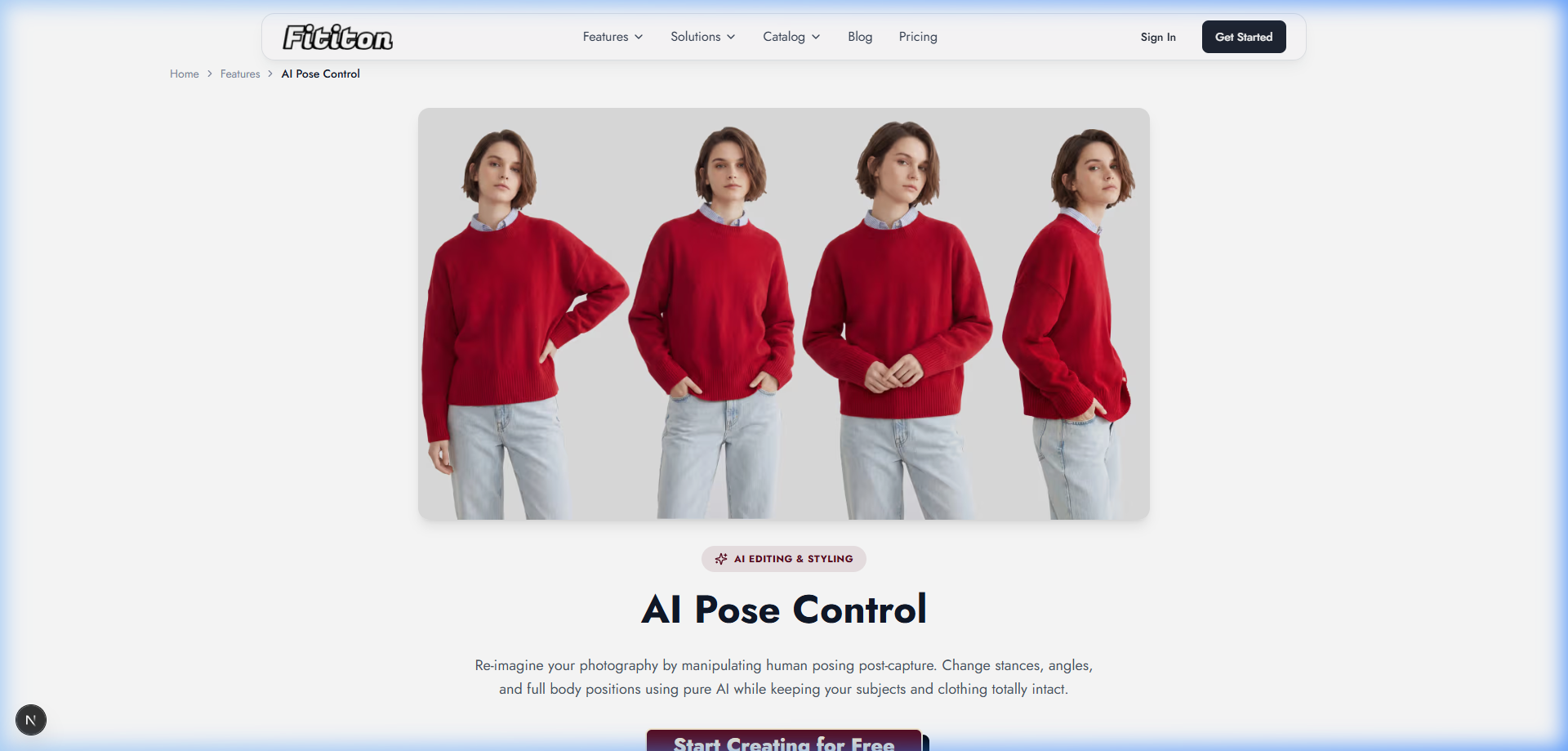
Image-to-Video
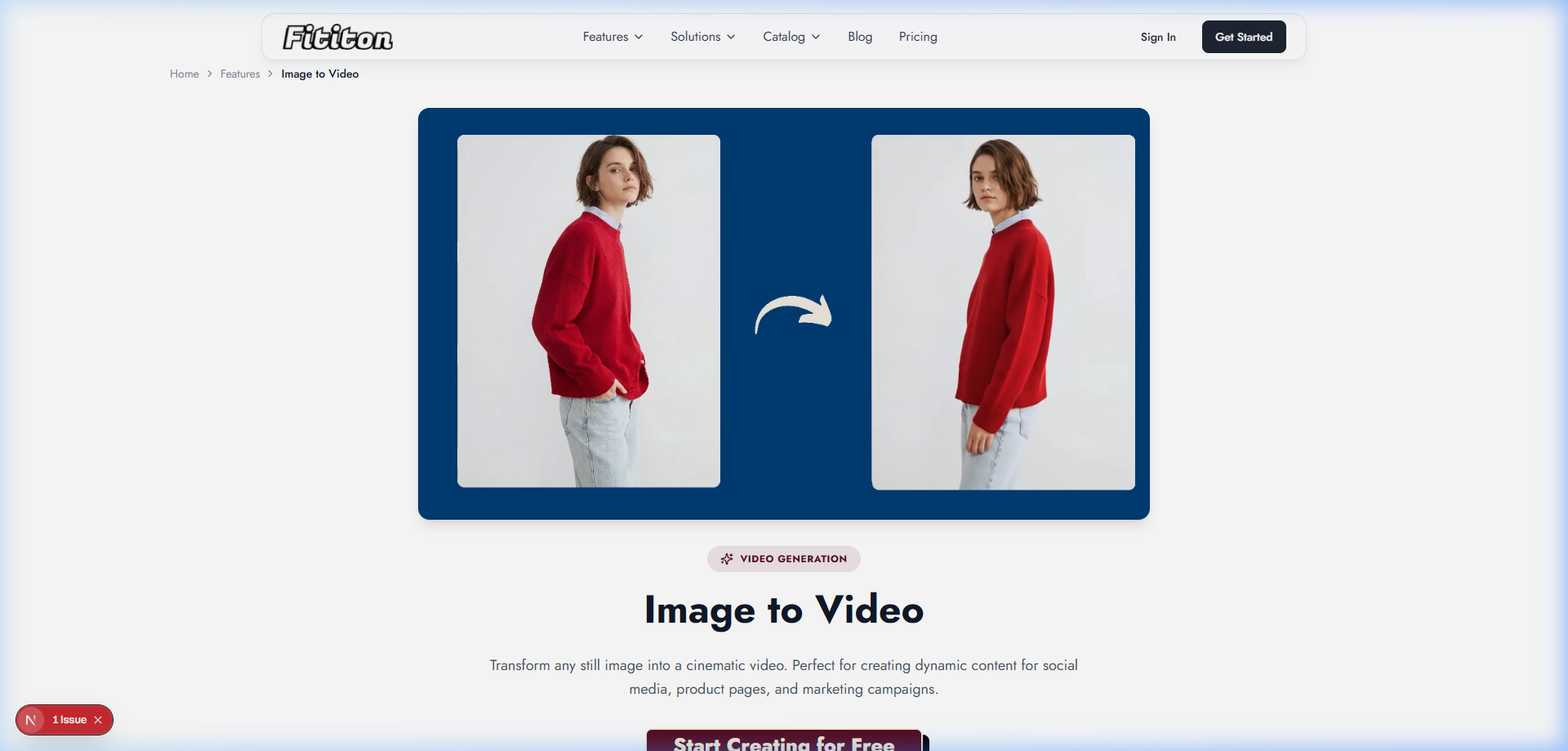
Convert your best on-model product photos into short video clips (4-8 seconds) using image-to-video generation. The resulting videos show natural model movement and fabric drape — perfect for product pages (where video increases conversion by up to 80%) and social media content.
Common Mistakes to Avoid
- Not prepping your input image: Wrinkled garments, poor lighting, and cluttered backgrounds all reduce output quality. Spend 2 minutes ironing and setting up clean light — it saves regeneration time.
- Using too-low resolution inputs: The AI can only work with the detail you provide. Aim for at least 1000px on the longest dimension, preferably 2000px+.
- Not testing multiple models: Different AI models can produce different results with the same garment. If the first result isn't right, try 2-3 different models before adjusting other settings.
- Ignoring brand consistency: Using a different random model for every product creates a chaotic, unprofessional-looking catalog. Define 2-3 model personas and use them consistently.
- Skipping 4K for hero images: Standard quality is great for websites, but if an image will be used for banners, print, or zoom functionality, invest the extra credits in 4K.
Who Uses Product-to-Model AI?
- E-commerce brands: Converting existing product photography into on-model imagery for product pages and category listings
- Marketplace sellers: Creating professional-looking product photos for Amazon, Etsy, eBay, and Poshmark listings
- Dropshippers: Generating unique on-model imagery from supplier photos, differentiating from competitors using the same stock images
- Print-on-demand sellers: Visualizing custom designs on models without printing physical samples
- Boutiques and small retailers: Producing catalog-quality imagery without the budget for traditional photoshoots
- Agencies: Managing visual content for multiple fashion clients at scale
What It Costs
| Plan | Monthly Price | Credits | On-Model Images (1K) |
|---|---|---|---|
| Free | $0 | 3 | 3 images |
| Personal | $4.99 | 40 | 40 images |
| Starter | $15 | 150 | 150 images |
| Pro ⭐ | $29 | 300 | 300 images + video |
| Agency | $69 | 1,000 | 1,000 images + video |
FAQ
What types of garments work best with product-to-model AI?
Tops, shirts, blouses, jackets, dresses, and full-body outfits produce the most consistent results. Accessories, shoes, and heavily structured items are improving but may vary.
How is this different from virtual try-on?
Virtual try-on requires TWO inputs — a person photo AND a garment photo. Product-to-model only requires the GARMENT photo — the AI generates the model automatically. Product-to-model is ideal when you don't have a specific person photo you want to use.
Can I use the same model across all my products?
Yes. Fit It On's consistent model identity feature maintains the same facial features and body proportions across generations. This creates the professional visual consistency of a coordinated photoshoot.
What resolution are the output images?
You can choose from 1K (1 credit), 2K (3 credits), or 4K (5 credits) resolution. 1K is great for standard web use, 2K for high-quality product pages with zoom, and 4K for print and hero imagery.