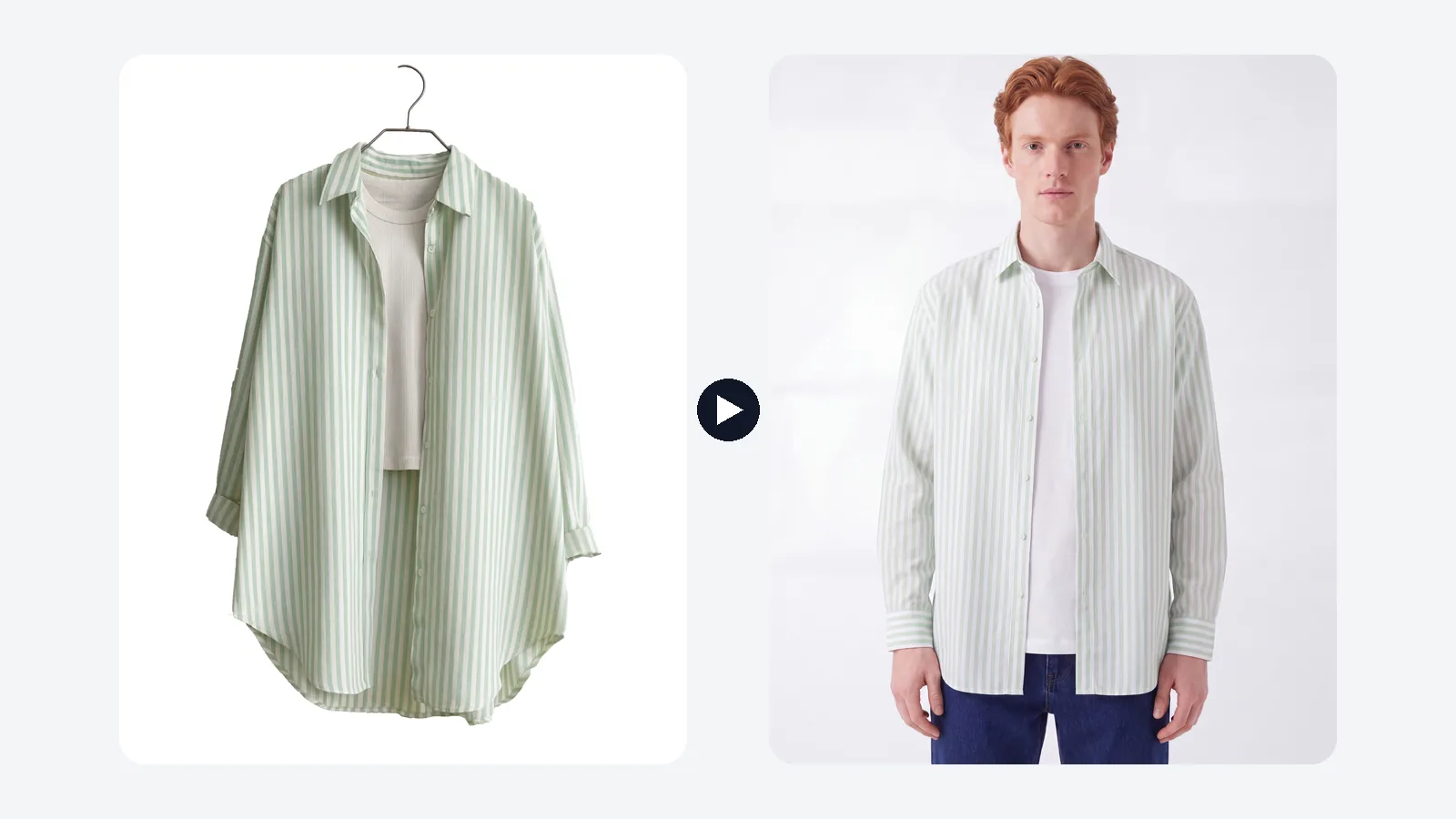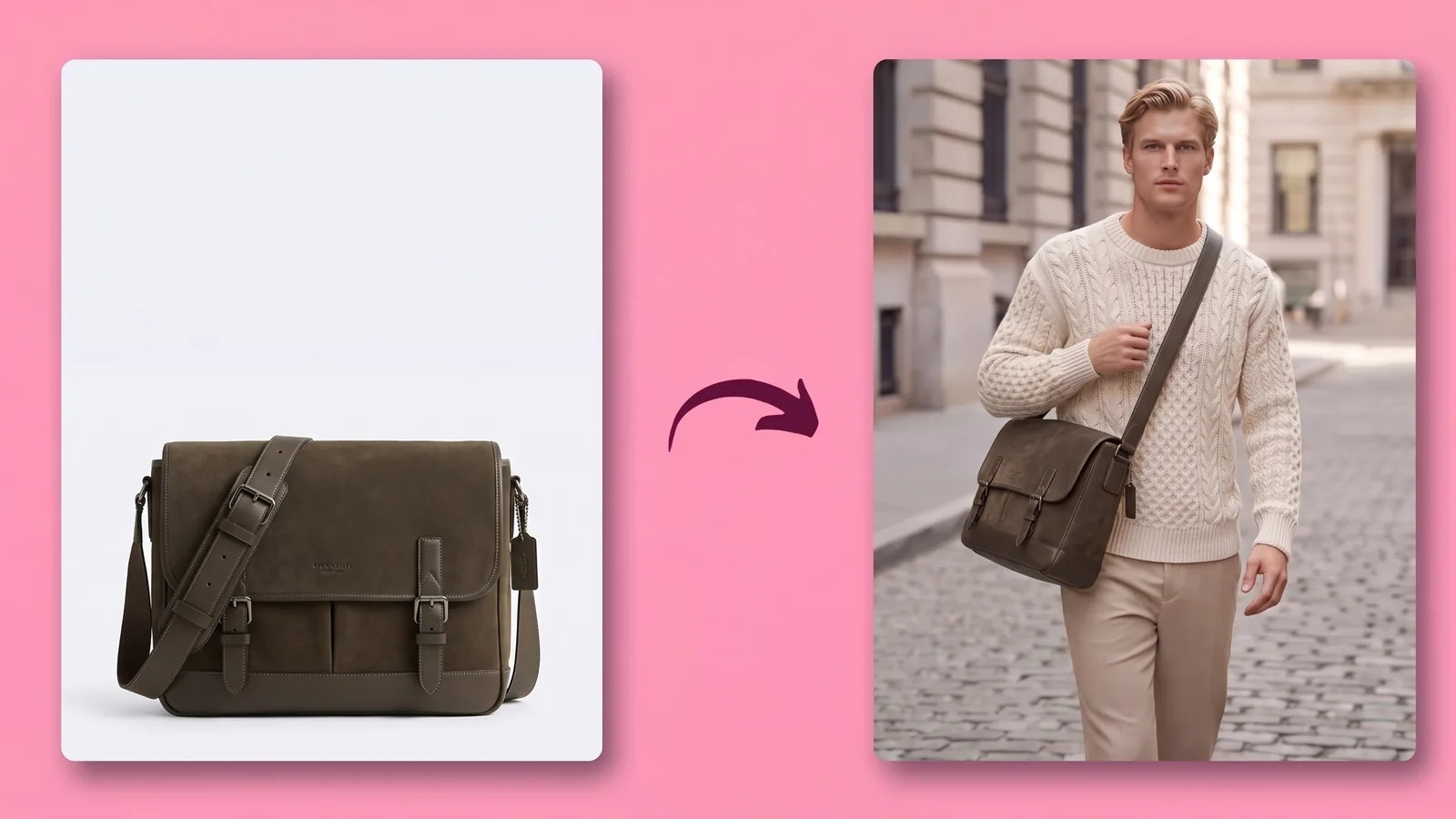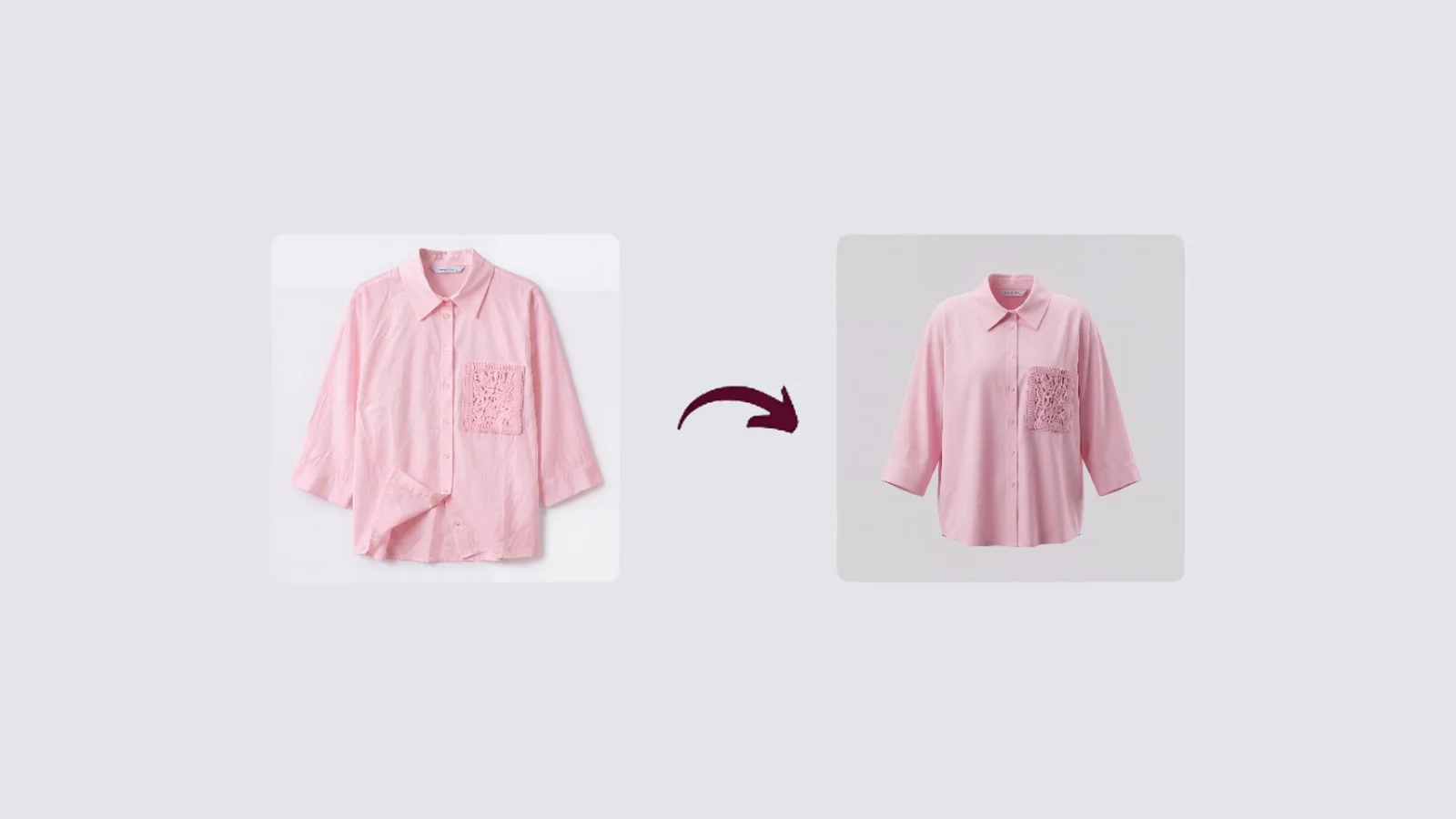
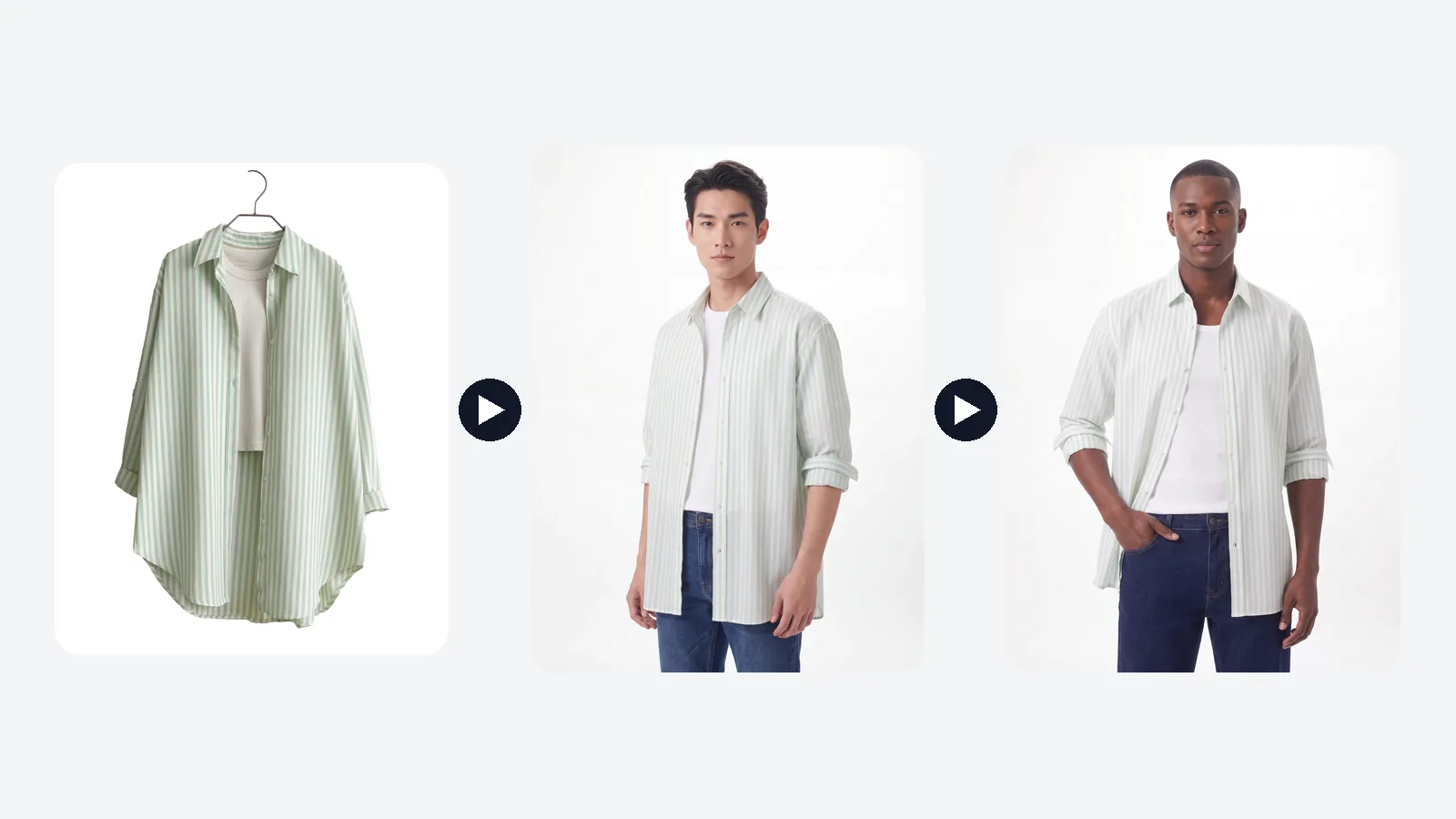
AI model photo generators put your garment on a realistic virtual model, starting from a flat-lay, hanger or mannequin photo. In November 2026, entry plans start between $4.99 and $25 a month, and a 2K on-model image costs roughly $0.06 to $0.37. The real differences are garment accuracy, pose control, model consistency and how you are billed.
Last updated: November 2026 · Prices checked November 2026
Fit It On is our product. We've noted where another tool is the better fit.
How we compared them: we read each vendor's pricing page and feature list in November 2026 and worked out cost per image from the plan price and the images it includes. We did not run the same garment through every tool, so this is a comparison of price and features, not an output test.
What do AI model generators cost per image?
Most AI model generators cost between about $0.06 and $0.40 per 2K on-model image, far below a photoshoot. Cost per image below is the plan price divided by the images it includes, at full use of the plan.
| Tool | Entry price | Cost per image | Billing |
|---|---|---|---|
| Fit It On | $4.99/month (40 credits) | 1K: $0.07–$0.13 (1 credit). 2K: $0.21–$0.37 (3 credits). 4K: $0.35–$0.62 (5 credits) | Monthly credit plans, $4.99–$69/month |
| Botika | $20/month, billed yearly ($240) | 2K: about $0.06 (10,080 credits ÷ 30 per image = 336 images). 4K: about $0.08 | Yearly subscription; credit top-ups |
| Photoroom | $7.50/month, billed yearly (Pro) | 1K on Pro: under $0.01 (up to 1,600 generations, 1,000 exports). 2K on Max: about $0.11 ($20.99 ÷ 185). 4K on Ultra: about $0.27 ($82.50 ÷ 310) | Subscription, monthly or yearly |
| Nightjar | $25/month (150 credits) | 1K or 2K: $0.17 on Studio, $0.13 on Studio+ ($50 for 400). 4K: double | Monthly subscription, cancel anytime |
| VModel | $10 prepaid top-up | $0.06 per clothing-changer run, $0.12 per try-on run | Pay as you go; credits don't expire |
Two things change the real cost. First, re-runs: you will regenerate some images, so budget extra. Second, add-ons: on Fit It On, picking a specific preset model or pose adds 1 credit each. For how these prices compare with a real shoot, including a worked 100-SKU example, see AI models vs real models: cost per image.
The 5 AI model generators compared
All five can put clothing on an AI model. They differ in what else they do and who they suit.
1. Fit It On
An apparel-focused studio that bundles several tools: product-to-model, virtual try-on, model swap, pose control, generate angles, ghost mannequin and image-to-video. Output goes up to 4K, and measured generation times are on our benchmarks page (2K product-to-model median: 26 seconds).
- Best for: clothing brands that want on-model photos, try-on, angles and video in one place.
- Limitations: built for apparel, not general products. Video (Kling 3.0 Omni, 3–15 seconds) and custom model creation need the Pro ($29/month) or Agency ($69/month) plan. Per 2K image it costs more than Botika or Photoroom Max.
2. Botika
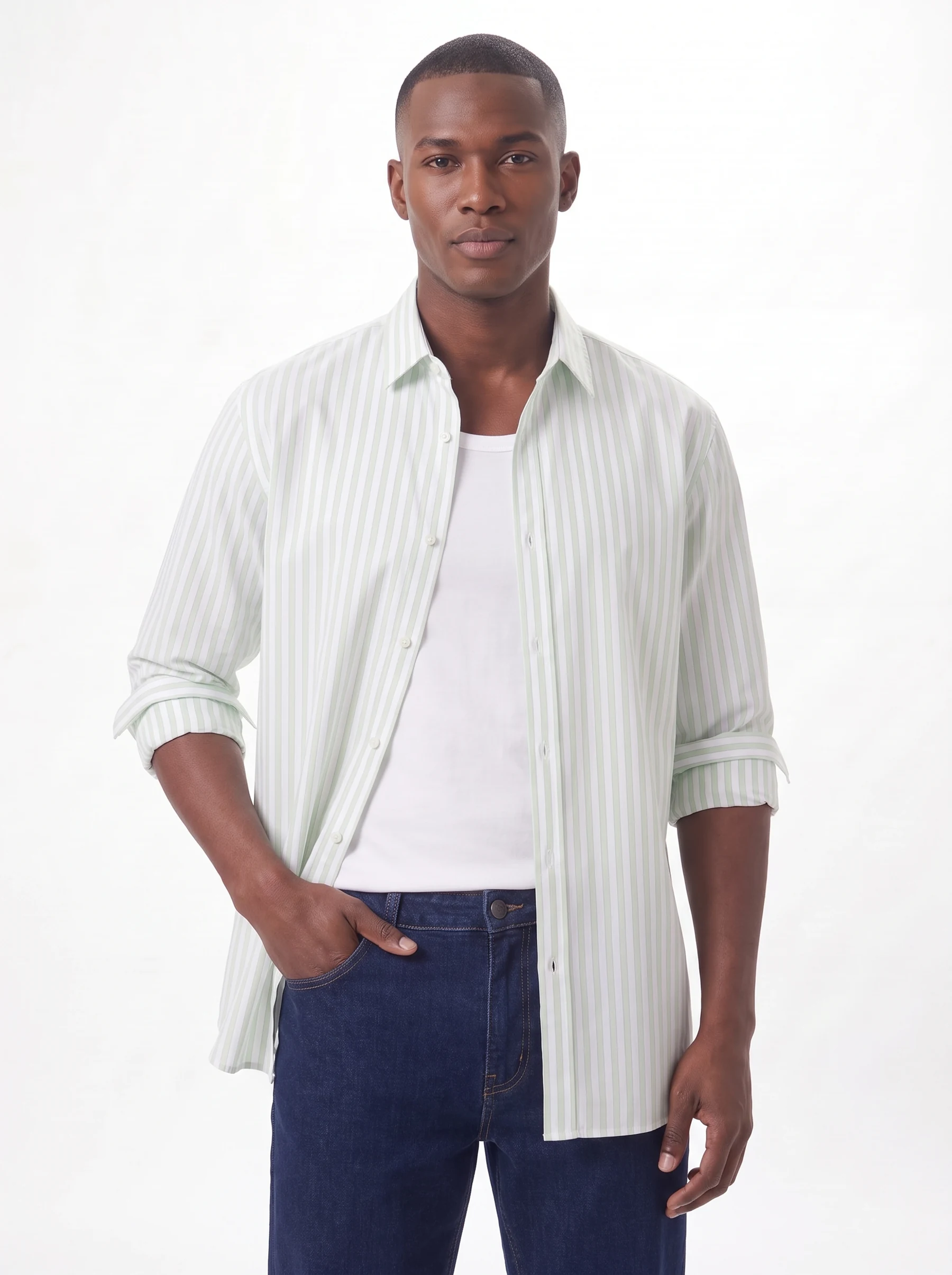
Botika makes on-model photos, editorials and short videos from your own product photos, with a library of models, poses and backgrounds. Quality runs from Fast 1K to Max 4K, and each plan starts with a 24-hour trial with 1,000 credits.
- Best for: brands with steady monthly volume that want the lowest cost per 2K image.
- Limitations: the pricing page only shows yearly billing, so the entry plan is $240 up front. Credit rollover is limited (3 months on Pro, 6 on Max). A 5-second video costs 130 credits, more than four 2K images.
3. Photoroom
Photoroom is a general product-photo editor best known for background removal. AI Fashion Models is one of its credit-based tools, alongside AI backgrounds and virtual try-on.
- Best for: sellers who need fast cutouts and backgrounds for every product, plus some on-model images.
- Limitations: the cheap Pro plan includes AI fashion models at 1K only. 2K needs Max ($20.99/month yearly) and 4K needs Ultra ($82.50/month yearly). Pro has no video.
4. Nightjar
Nightjar focuses on a consistent look across a catalog. You can save your own fashion models, poses and backgrounds, and build reusable "Photography Styles" from reference photos. Paid plans include team sharing and an API, and the pricing page says images can be used commercially.
- Best for: brands that want one repeatable house style across many products.
- Limitations: the highest entry price here ($25/month), and the pricing page doesn't list video.
5. VModel
VModel sells prepaid credits that never expire, charged per run of each AI model it hosts, including a clothing changer and a try-on model.
- Best for: low or irregular volume, and developers who want per-use pricing.
- Limitations: its pricing page reads more like an API catalog than a fashion studio. It doesn't state output resolution, pose options or saved models, so test before you commit.
We left out Zmo.ai, which earlier versions of this page listed, because we couldn't load its pricing page to check current plans. See the vendor site if you want to compare it.
Which AI model tools support different poses and styles?
Fit It On, Botika and Nightjar all let you control poses and keep a consistent look. Photoroom and VModel don't describe pose control on their pricing pages, so check their apps.
- Fit It On: pose control from a reference photo or a text description, preset models, consistent models across a catalog, and generated back and side angles. Custom models are on Pro and Agency.
- Botika: a library of models, poses and backgrounds included on every plan.
- Nightjar: your own poses, backgrounds and saved fashion models, plus Photography Styles built from reference images.
- Photoroom: AI backgrounds and fashion models; pose options not listed on the pricing page.
- VModel: not stated on the pricing page.
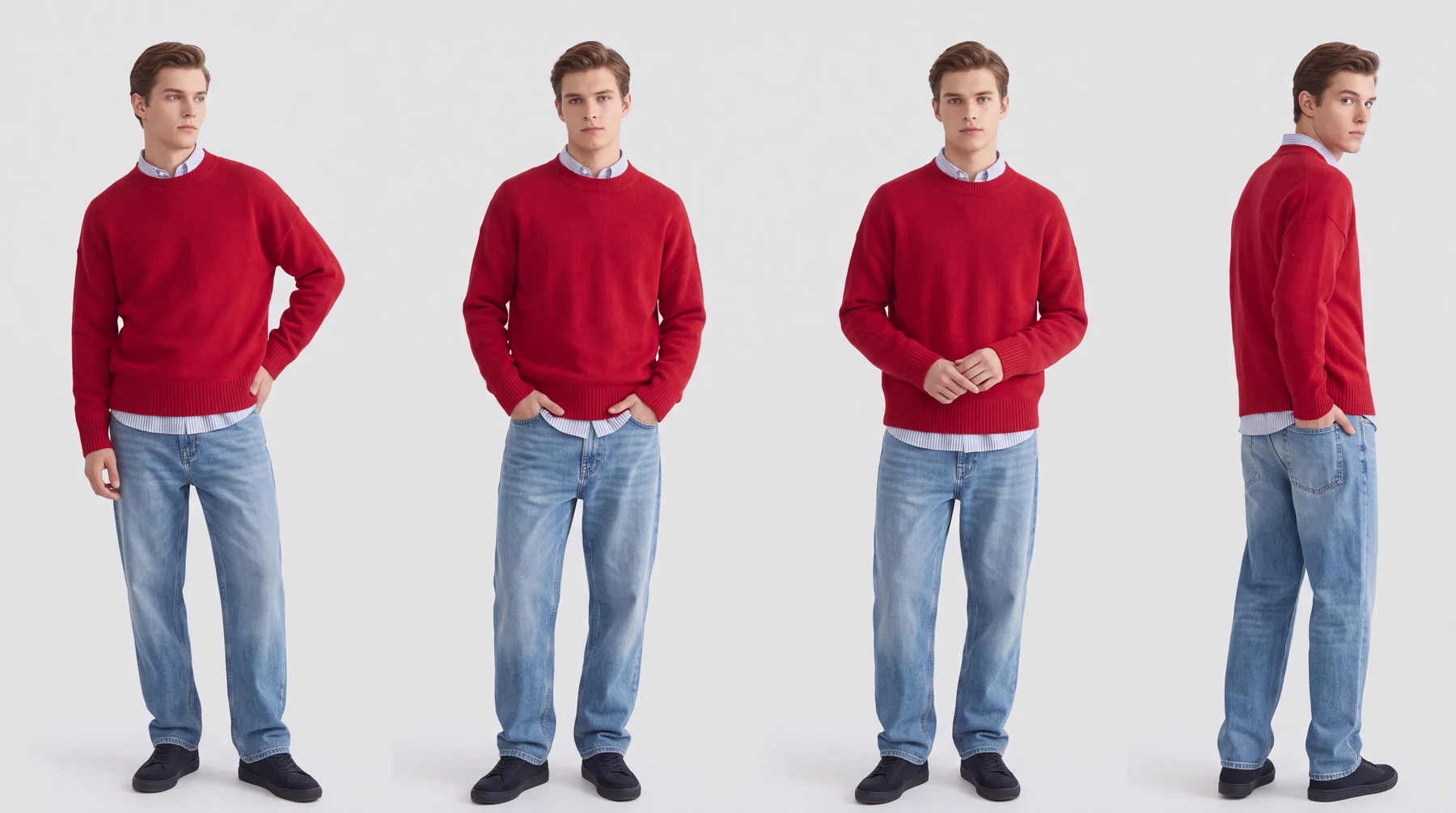
For a product page, pick 2–3 standard poses (front, three-quarter, back) and reuse them on every product. A steady pose set makes a catalog look planned, even if every image is AI-made.
Are AI model photos realistic enough for product pages?
Yes for most simple garments, as long as you check each image before publishing. The common errors are predictable: warped text and logos, odd hands, smoothed-out sheer or sequined fabric, and a fit that looks plausible but isn't measured.
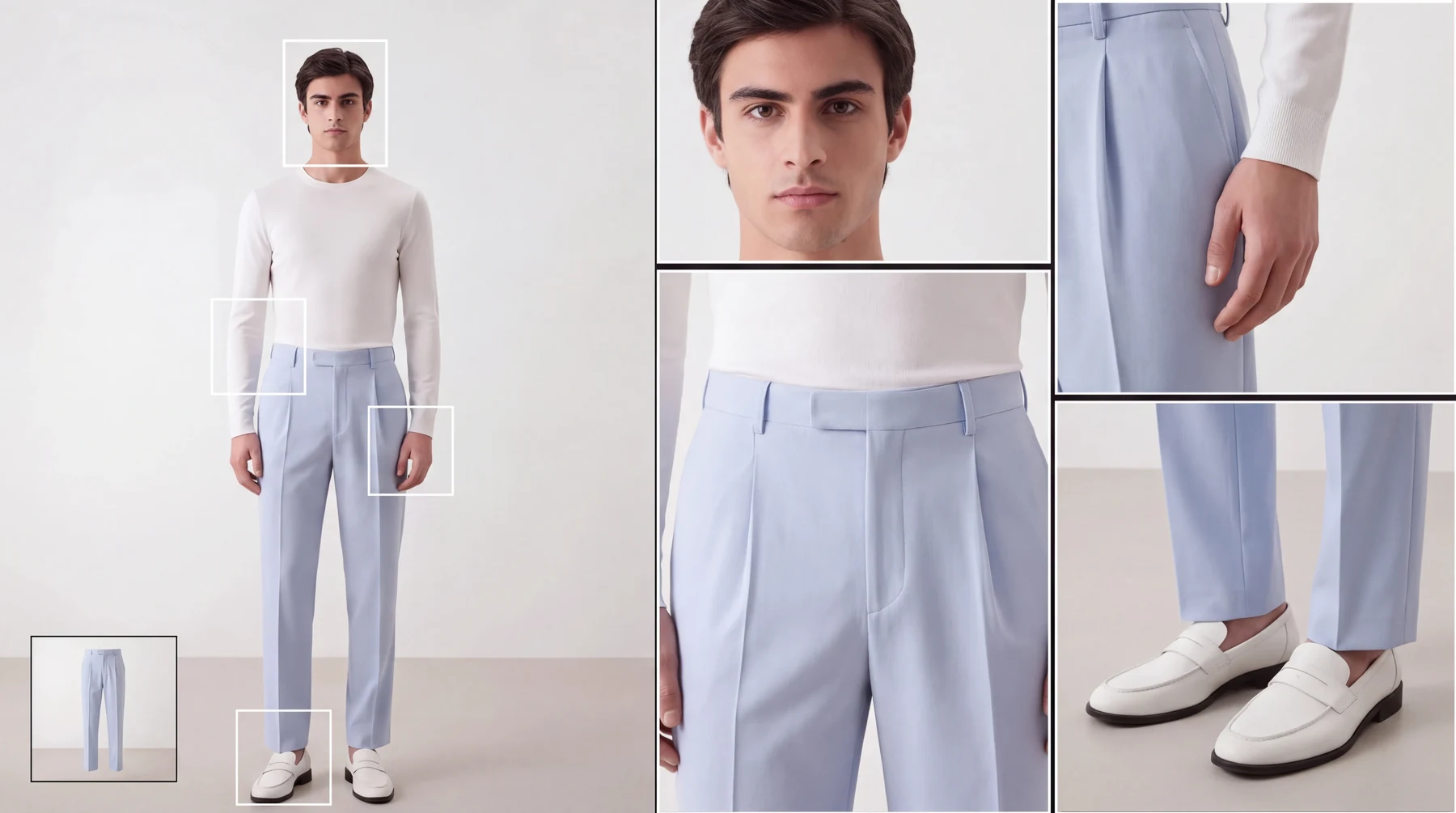
A quick check before you publish:
- Start from a clean input: garment flat or on a hanger, even light, plain background.
- Generate at 2K or higher if your store lets shoppers zoom.
- Zoom to 100% and compare seams, buttons, prints and colour against the real item.
- Re-run anything that changed a detail. Never publish an image that misrepresents the product.
Where real models still win, and how to split your budget between the two, is covered in AI models vs real models.
Related guides
Frequently asked questions
What is the most cost-effective AI model tool for an online boutique?
On price per 2K image, Botika (about $0.06) and Photoroom Max (about $0.11) are cheapest at full use, but both are billed yearly. For a few dozen products a month, a small monthly plan such as Fit It On's $4.99/month or VModel's $10 top-up keeps the upfront cost lower. Pick based on monthly volume, not just per-image price.
Can I use the same AI model across my entire catalog?
Yes, with tools that save models. Fit It On has consistent models and preset models, Nightjar lets you save fashion models and styles, and Botika has a model library. Reusing one model and one pose set keeps your store looking like one shoot.
What input images work best?
A flat-lay, hanger or mannequin photo on a plain, light background with even lighting works best. Avoid wrinkles, busy backgrounds and garments cut off at the edge of the frame. If you only have mannequin shots, a ghost mannequin tool can clean them up first.
Are AI-generated model photos legal to use commercially?
Usually yes, under the tool's licence, but read each tool's terms: some state commercial use on every plan and others only on higher tiers. AI faces are not free of all risk. If a model is based on a real person, laws such as New York's Fashion Workers Act require separate written consent for digital replicas (NY Department of Labor). New York also signed a law in December 2025 requiring ads to disclose AI-generated synthetic performers (New York Governor's office).
Do AI model generators support video?
Some do. Botika and Photoroom (Max and Ultra) include video, and Fit It On offers 3–15 second clips on its Pro and Agency plans. We couldn't find fashion video on Nightjar's or VModel's pricing pages.