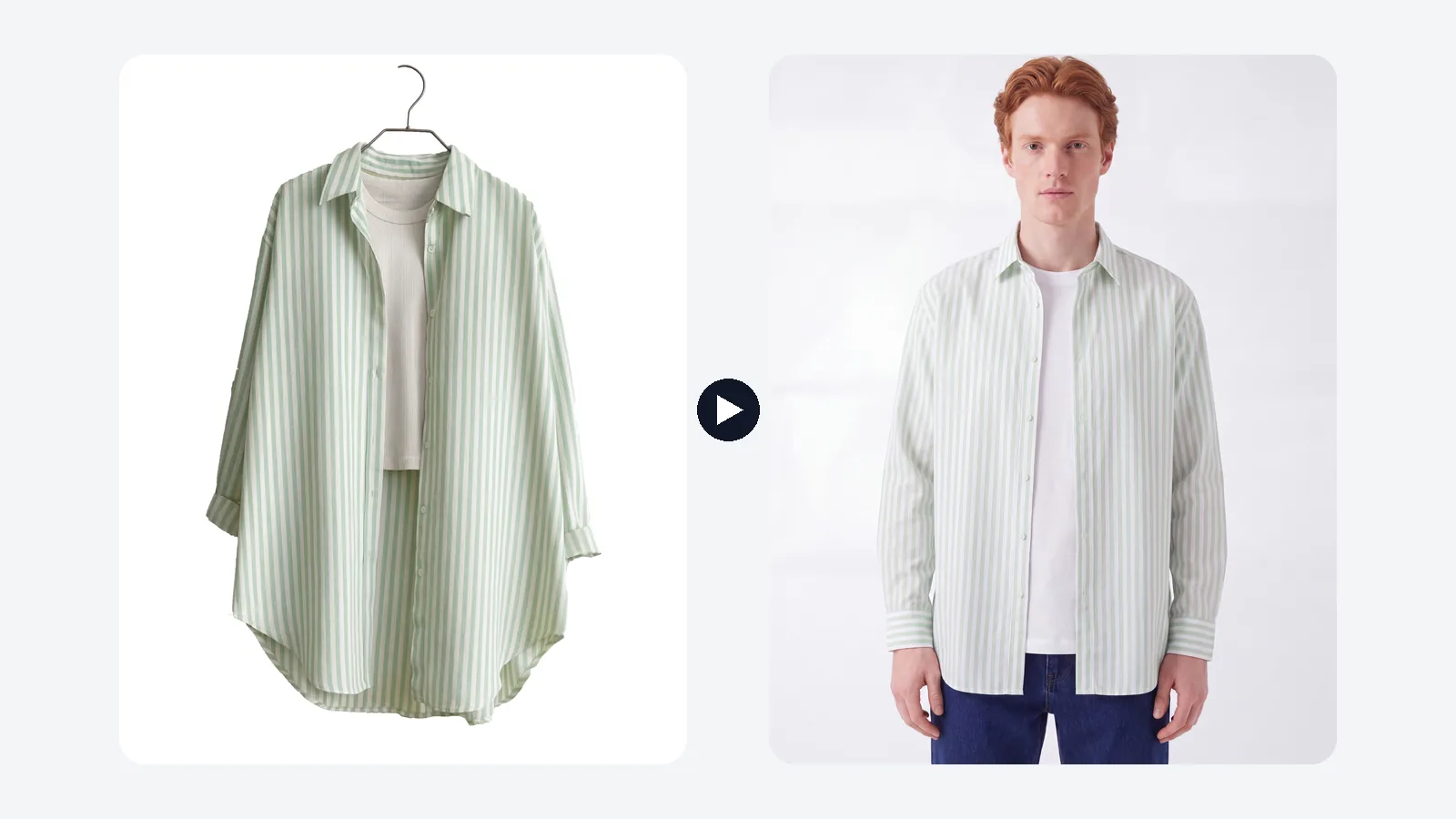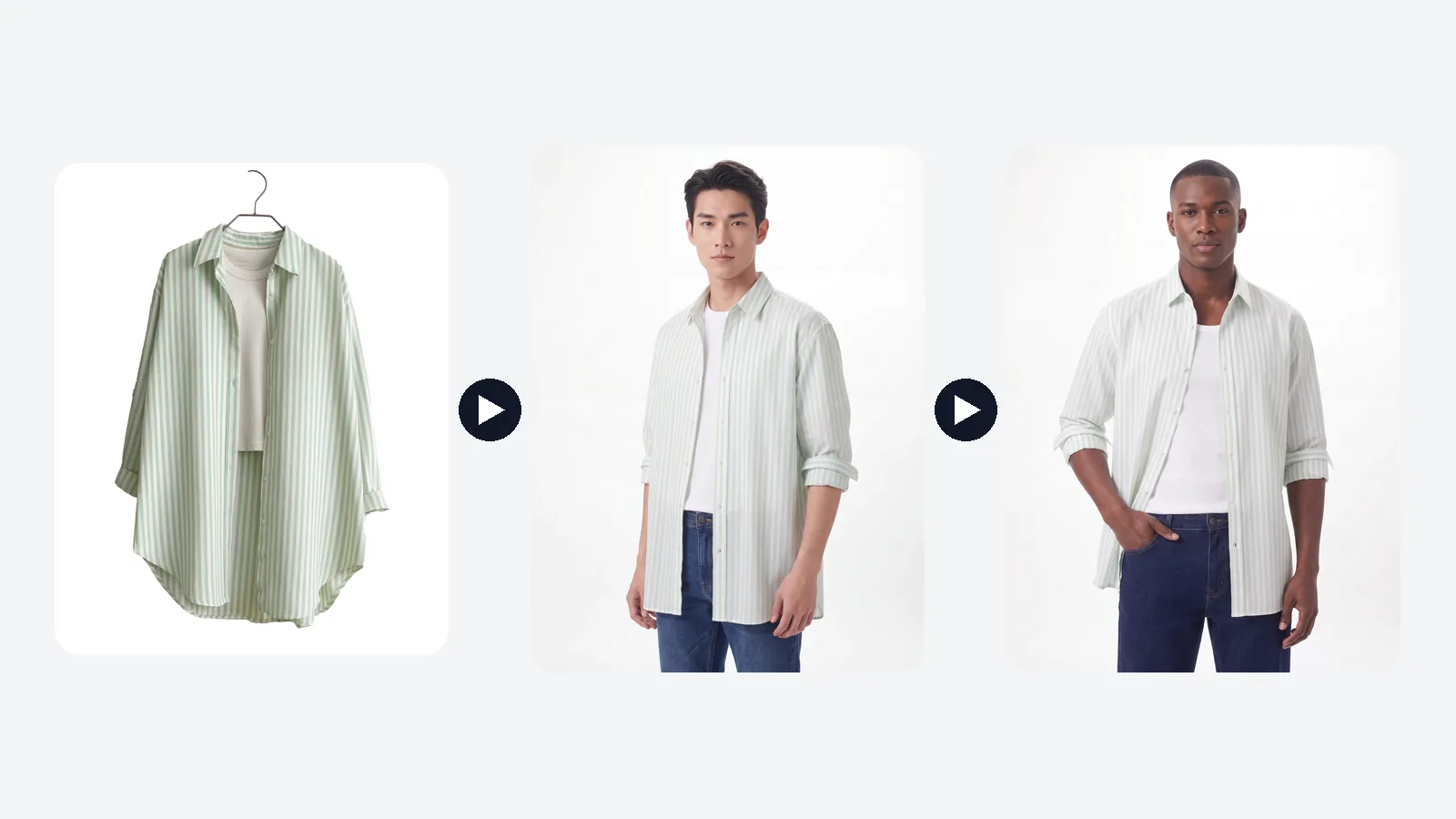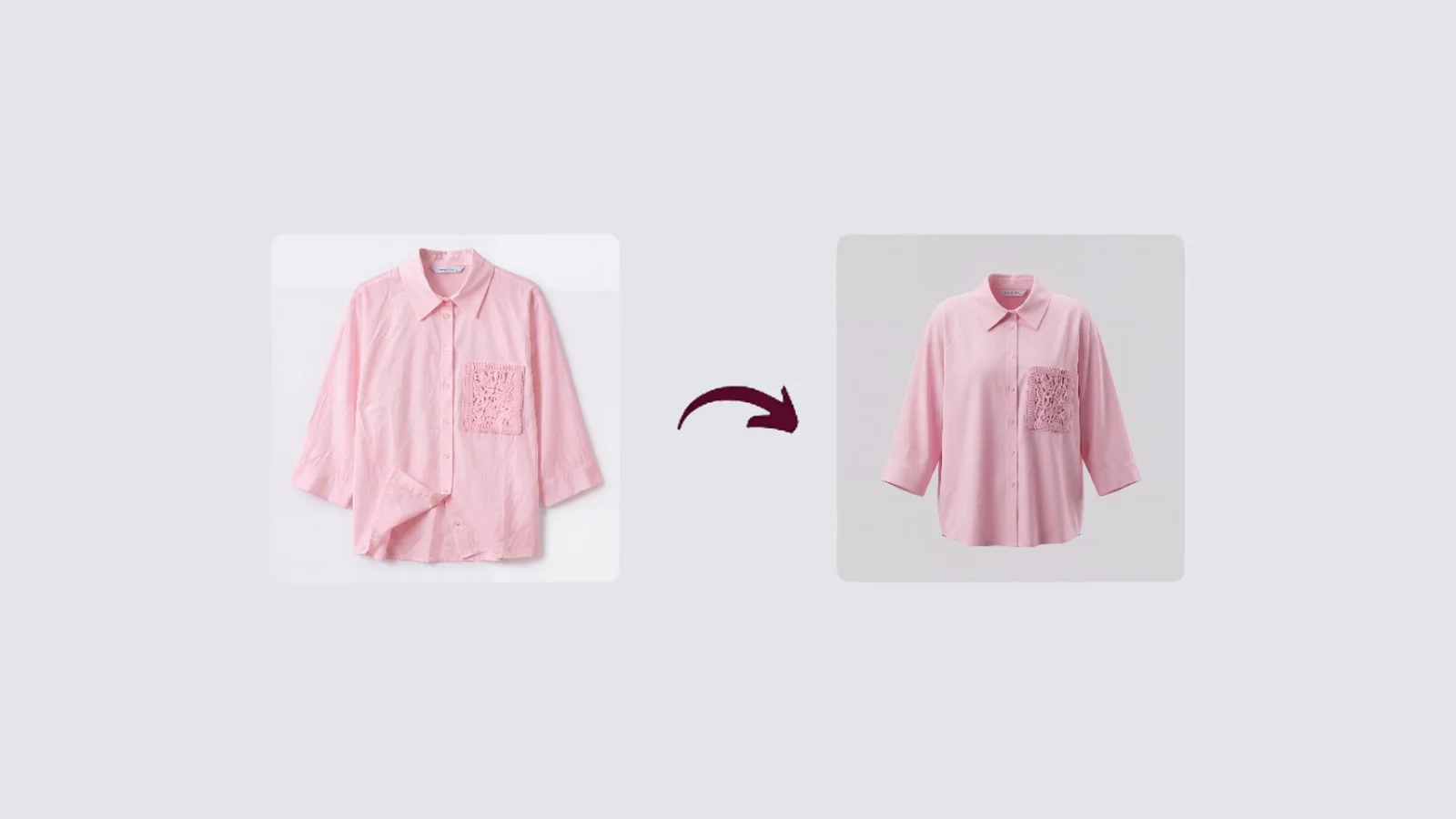
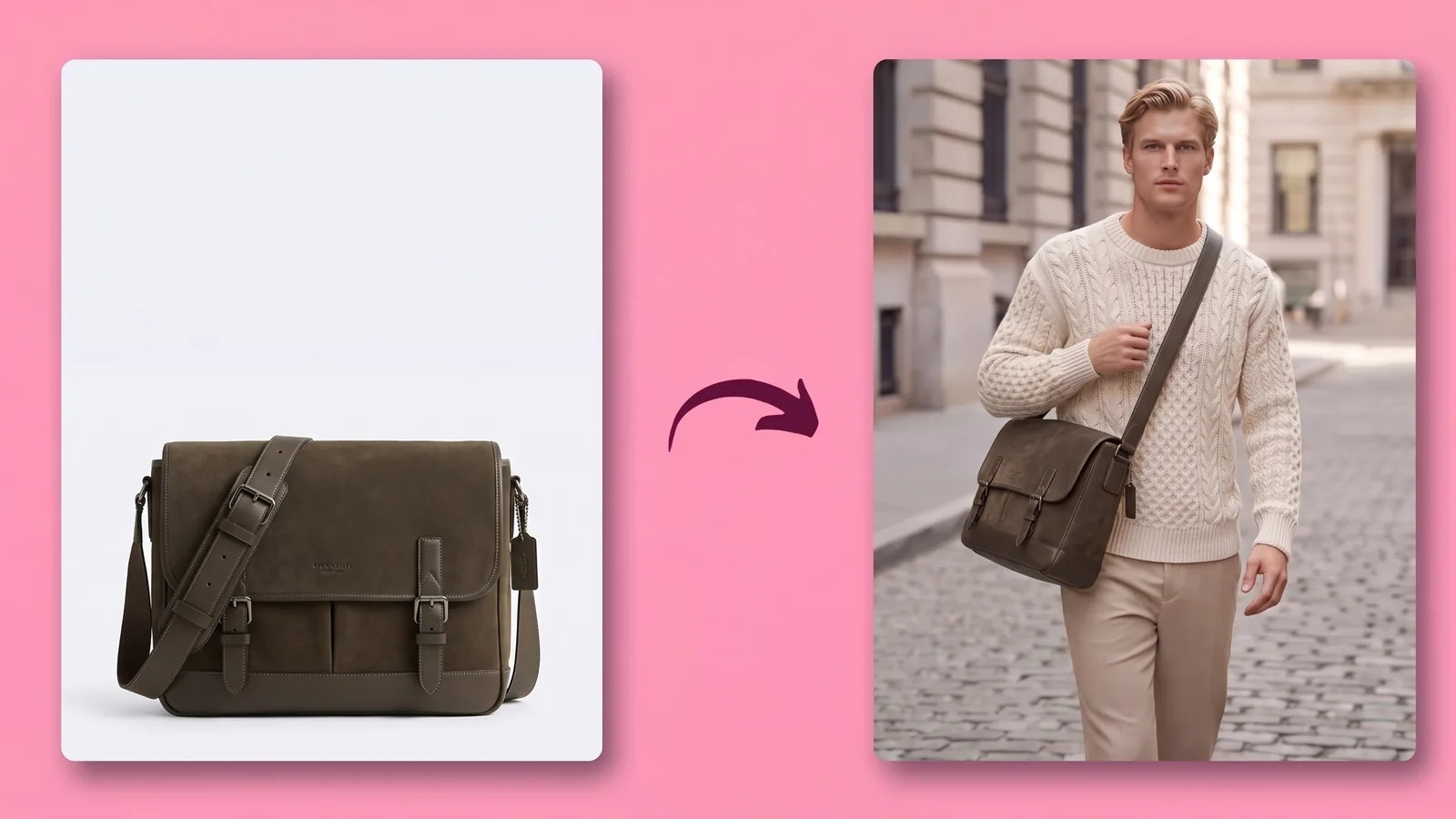
The best AI tool for dropshipping product photos depends on what you sell. For clothing, Fit It On turns supplier flat-lays into on-model photos. For gadgets and home goods, Photoroom handles fast white backgrounds and Pebblely or Mokker make lifestyle scenes. Claid suits large catalogs that need an API. Prices below were checked in November 2026.
Last updated: November 2026 · Prices checked November 2026
Fit It On is our product. We've noted where another tool is the better fit.
As a dropshipper you never hold the product. You start with the supplier's photos, and so does every other store selling the same item. This guide covers which AI tool to use for your store type, what each costs, and whether you can use supplier photos at all.
Which AI tool is best for dropshipping product photos?
There is no single best tool: pick by product type. On-model photos matter most for clothing, while clean backgrounds and lifestyle scenes matter most for everything else.
| Tool | Best for | Starting price | Main limitation |
|---|---|---|---|
| Fit It On | Clothing: flat-lay or hanger photo to on-model, model swap, extra angles | $4.99/month (40 credits) | Apparel-focused; video and custom models need Pro or Agency |
| Photoroom | Fast background removal and batch edits, phone or desktop | Pro $12.99/month, or $7.50/month billed yearly | 4K images and HD video need the top Ultra plan |
| Pebblely | Lifestyle scenes for home, beauty and accessories | Lite $9/month (30 images), Basic $19/month (200) | Built for products on surfaces, not clothing on people |
| Mokker | One-click background scenes with little learning | Free 20 photos; Starter $13/month (500) | Less control over composition than a canvas tool |
| Claid | Large catalogs, API pipelines, enhancement plus AI fashion models | See vendor site | Credit costs vary by tool; API setup suits teams with a developer |
| Flair | Art-directed ad images on a drag-and-drop canvas | See vendor site | Slower per image; better for a few hero ads than a full catalog |
Photoroom and Claid both offer AI fashion model features too, so clothing sellers who already use them can test those first. Fit It On's advantage is that it is built only for apparel, with tools like model swap and generate angles in the same workspace.
What does each tool do well, and where does it fall short?
Fit It On
Upload a supplier flat-lay, hanger shot or packshot and product-to-model places the garment on an AI model. You can then swap the model, change the pose or background, and create back and side views.
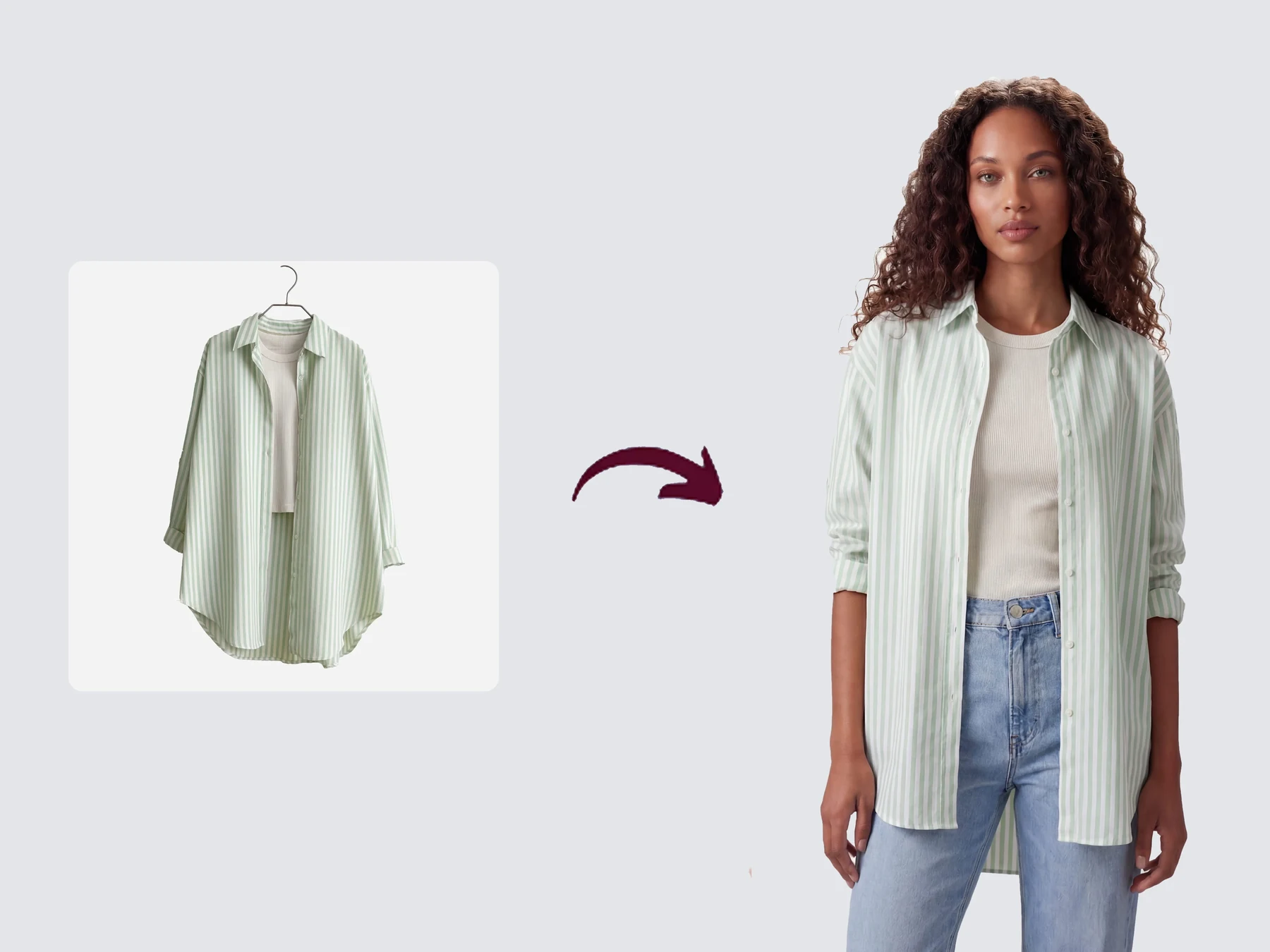
- Cost: from 1 credit per image at 1K; 2K costs 3 credits and 4K costs 5. Picking a specific model or pose adds 1 credit each. Background removal is 1 credit.
- Plans: from $4.99/month for 40 credits. See pricing for the other plans.
- Limitations: apparel-focused, so it isn't the right tool for gadgets or homeware. Video and custom models need the Pro or Agency plan.
Photoroom
Photoroom is the quickest way to put a product on a clean white or colored background, in bulk or from your phone. Pro includes 1,000 exports a month, and it also has AI backgrounds and an AI fashion model feature.
- Limitation: 4K images and HD video are only on the Ultra plan ($82.50/month billed yearly); Max ($20.99/month billed yearly) adds video ads.
Pebblely
Pebblely puts a cut-out product into a styled scene, such as a marble counter or a bathroom shelf. It has 40+ background themes, custom prompts, and bulk generation on Basic and Pro.
- Limitation: it is made for objects on surfaces. It doesn't put clothing on people.
Mokker
Mokker is the simplest option: upload, pick a scene, download. The free tier gives 20 photos once, which is enough to judge the quality on your own products.
- Limitation: you get less say over where the product sits and what surrounds it.
Claid
Claid is built for scale: background removal, upscaling, color fixes and AI fashion models through a web app or an API. It fits stores with thousands of SKUs that want the same look on every image.
- Limitation: each tool uses a different number of credits, so estimate your monthly cost on the vendor site before committing.
Flair
Flair gives you a canvas where you drag the product, add props and describe the scene. That control suits paid-ad creatives where one image has to stop the scroll.
- Limitation: building each scene takes longer, so it is a poor fit for refreshing a whole catalog.
Which tool should I use for my store type?
Match the tool to what your product photos need to show. Here is a short guide.
- Clothing and fashion: use an on-model tool. Fit It On is apparel-only; Photoroom and Claid include fashion models alongside their general tools. Our flat-lay to on-model tutorial shows the steps.
- Gadgets, electronics, home goods: Photoroom for white backgrounds, then Pebblely or Mokker for two or three lifestyle shots.
- Beauty and accessories: Pebblely's themed scenes work well for bottles, jars and jewelry.
- Large catalogs (1,000+ SKUs): Claid's API, or Photoroom's batch tools if you don't have a developer.
- Paid ads first: Flair for a few art-directed hero images per product.
- Selling on Amazon too: check the marketplace's own rules before you upload. See our Amazon clothing image guide.
For clothing, one product photo can cover a whole listing: front on a model, a second model, a back view and a detail shot. Showing the same garment on more than one body helps shoppers picture fit.
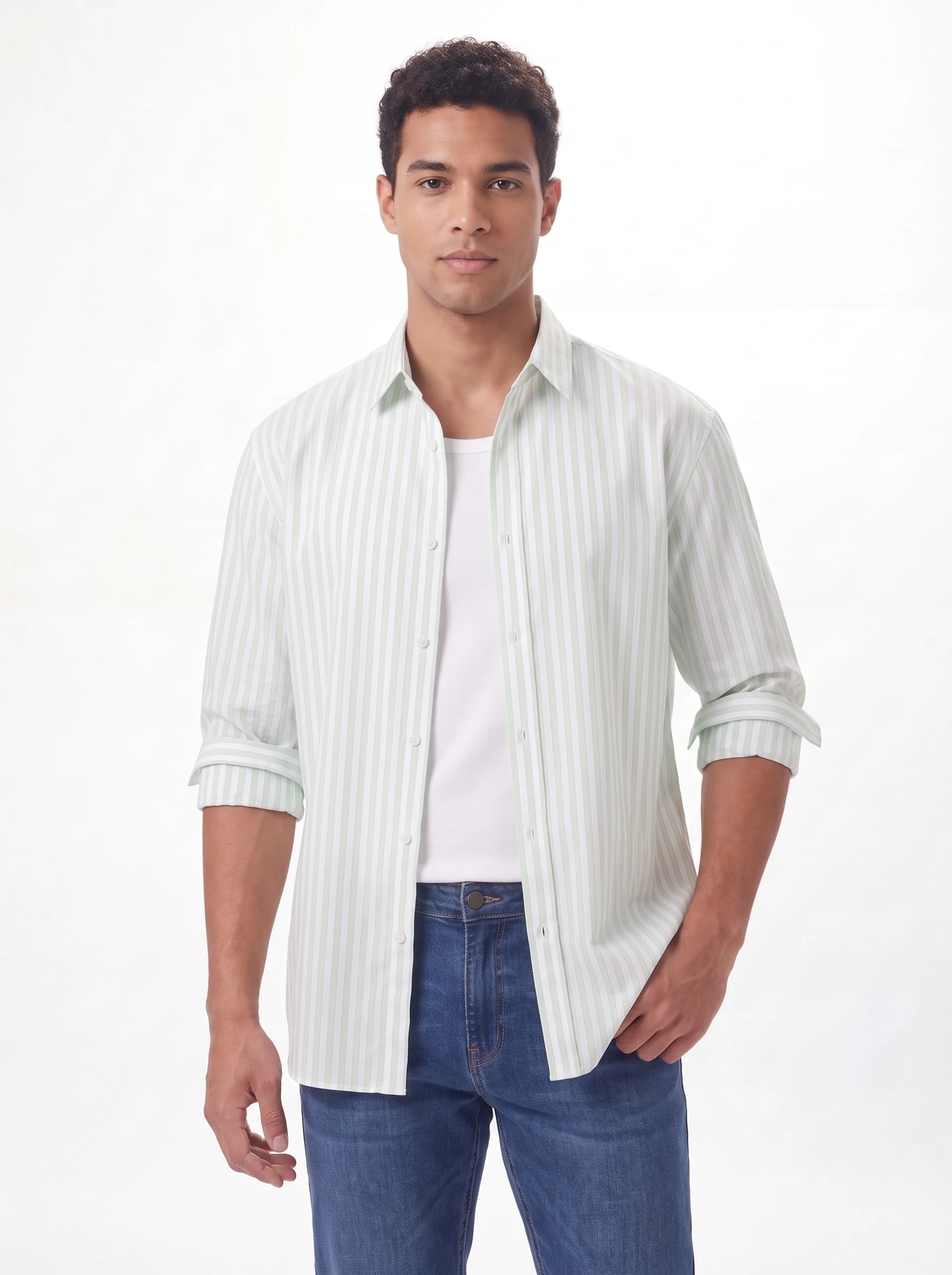
If your supplier only sends mannequin shots, a clean ghost mannequin image is another option for the product-only slot.
Can I use supplier photos as-is?
Only if the supplier owns the photos and has given you permission to use them, ideally in writing. Even then, using them unchanged puts your store next to dozens of others showing the identical image.
Copyright
A product photo is protected by copyright from the moment it is taken. The U.S. Copyright Office says a work is protected as soon as it is created and fixed in a tangible form. Selling a product does not automatically give you the right to its photos.
- Ask the supplier if they own the photos and whether resellers may use them.
- Keep that reply with the date, in case you receive a takedown notice.
- Never take photos from a brand's own website or another store. Public is not the same as free to use.
- Editing a photo with AI does not remove the original owner's rights. Use photos you have permission for as the input.
This is general information, not legal advice. For a large catalog or a dispute, talk to a lawyer who knows copyright law in your country.
Duplicate images
Shoppers who see the same photo on several stores compare prices and may leave for the cheapest one. A reverse image search takes them seconds. Creating your own on-model or lifestyle shots from a permitted supplier photo gives your listing images no one else has.
Watermarks and overlays
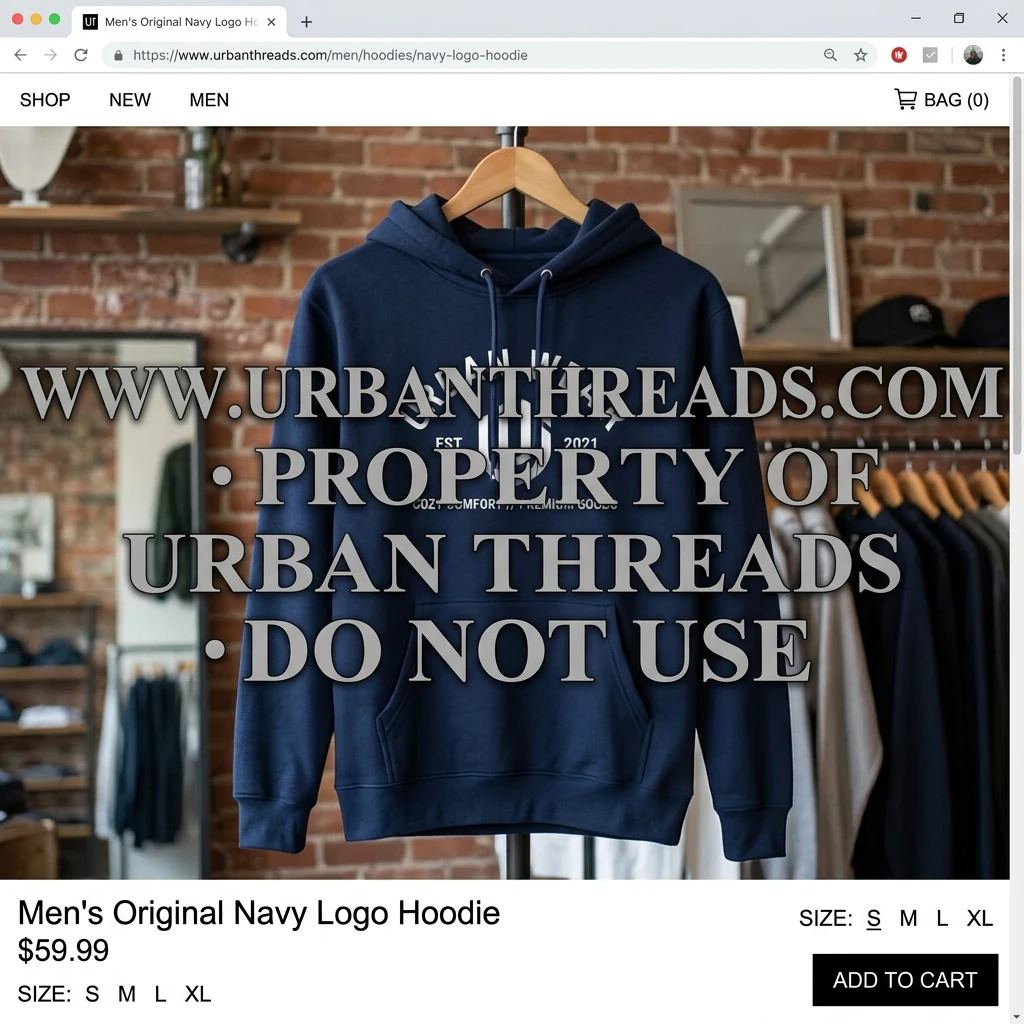
Many supplier images carry watermarks, stamps or promo text. Google Merchant Center tells sellers not to use images with promotional overlays or watermarks, and Amazon has similar rules for main images. Ask the supplier for clean originals rather than trying to erase marks yourself.
Accuracy
AI should change the setting, not the product. Keep the color, print, logo placement and details the same as what the customer will receive. If you can, order one sample and compare it with the supplier photos before you spend time on images.
How do I get better results from supplier photos?
Start with the cleanest, largest photo the supplier has. AI tools copy what they see, including blur and wrinkles.
- Ask the supplier for the original high-resolution files, not the compressed listing images.
- Choose a photo where the whole product is visible, on a plain background, with even light.
- For clothing, a flat-lay, hanger or mannequin shot works better than a crumpled item or a busy lifestyle shot.
- Generate a few versions and pick the one that matches the real product most closely.
- Check the details at full size: seams, prints, buttons and text on the product.
For more on shooting or sourcing a usable input, see how to create product photos without a photoshoot.
Related guides
Frequently asked questions
What are the top AI product photography tools for dropshippers?
For clothing, use an on-model tool such as Fit It On, or the fashion model features in Photoroom or Claid. For other products, Photoroom handles white backgrounds, Pebblely and Mokker make lifestyle scenes, and Flair suits art-directed ads. Claid fits large catalogs that need an API.
Is it legal to use AliExpress or supplier photos on my store?
It is legal only if the supplier owns the photos and allows resellers to use them. Get that permission in writing and keep it. Photos taken from brand websites or other stores are not yours to use, even if you edit them with AI.
Can AI make on-model photos without the physical garment?
Yes. On-model tools take a flat-lay, hanger or packshot photo and place the garment on an AI model. The result is only as accurate as the input, so start with a clear, high-resolution photo and check the details before publishing.
How many images should a dropshipping product page have?
There is no fixed number, but aim to answer every question a shopper would ask in a store. For clothing that usually means front, back, a detail close-up and the item on a model. For other products, add a scale or in-use shot.
Are free plans enough for a dropshipping store?
Free plans are good for testing quality on your own products. Most limit volume, resolution or commercial features, so check each tool's terms before using free-tier images in a live store.