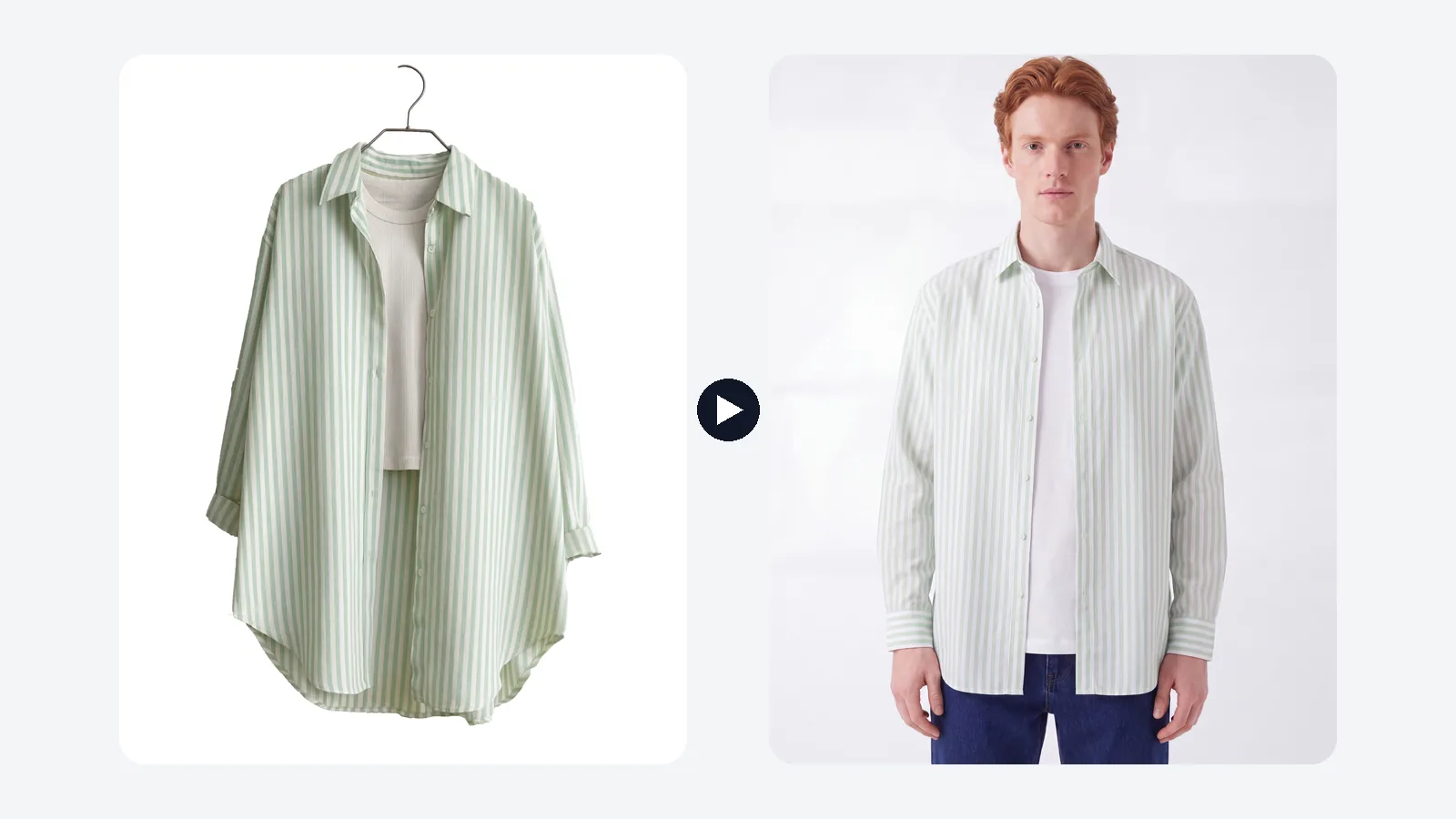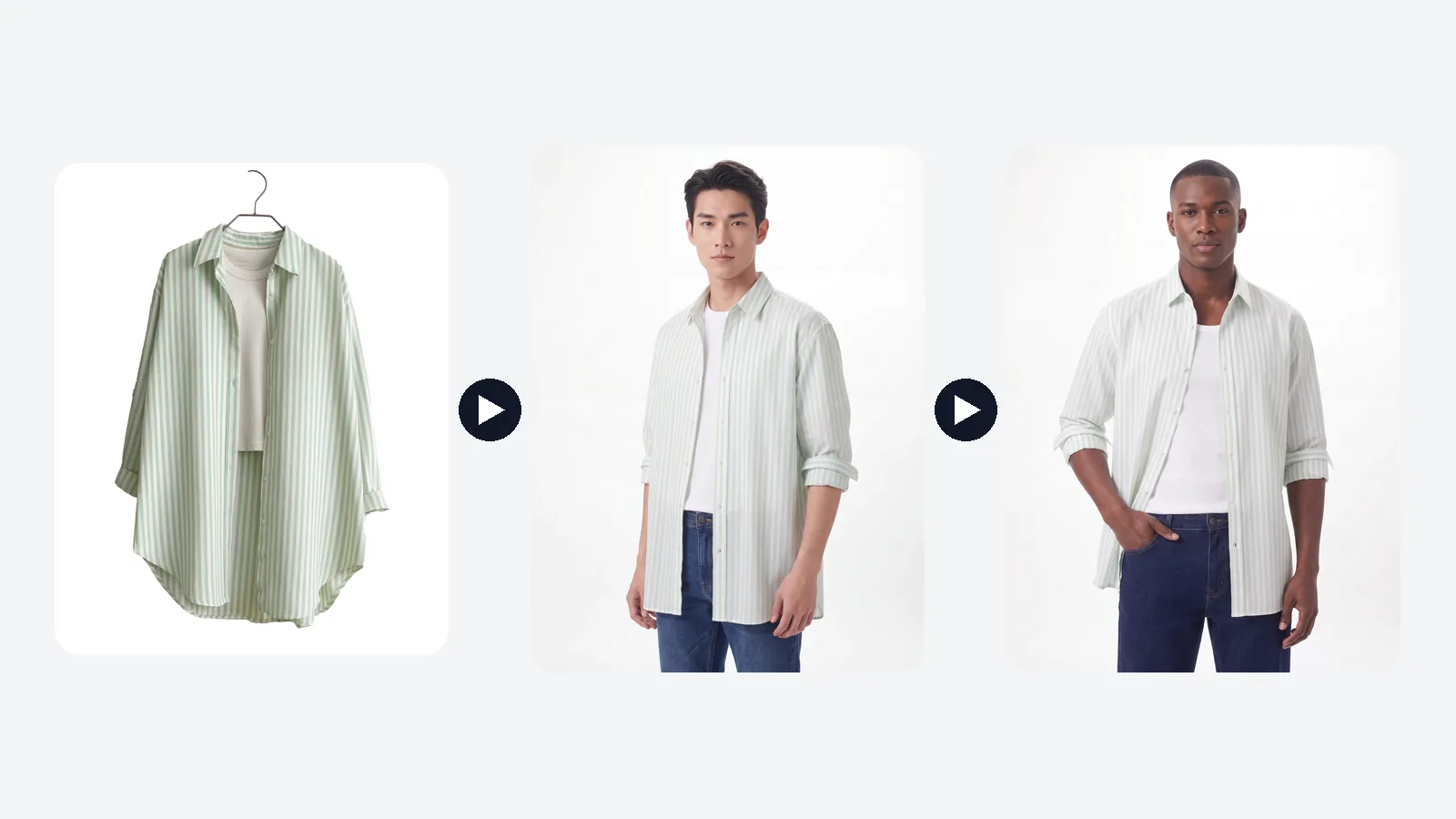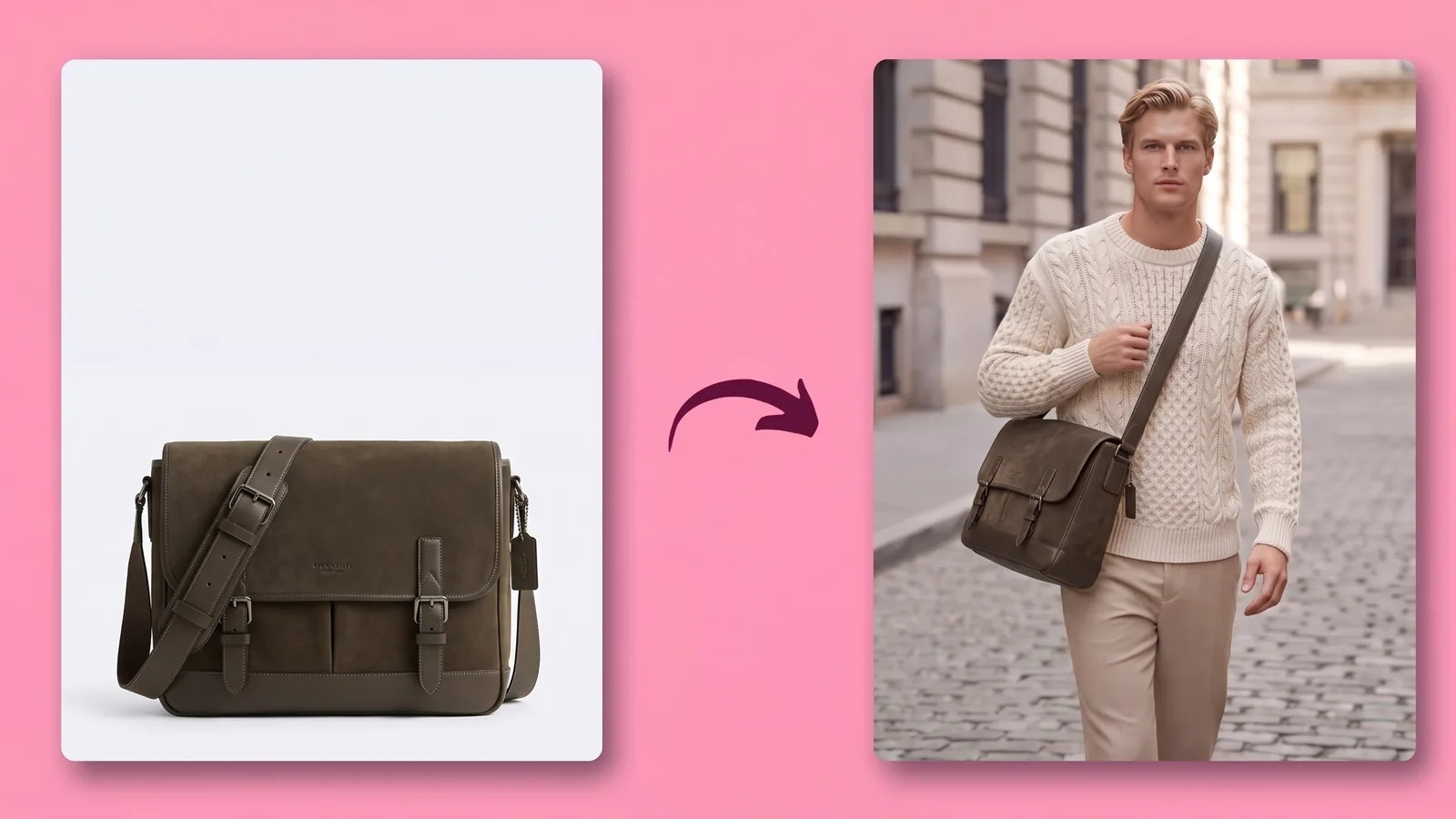
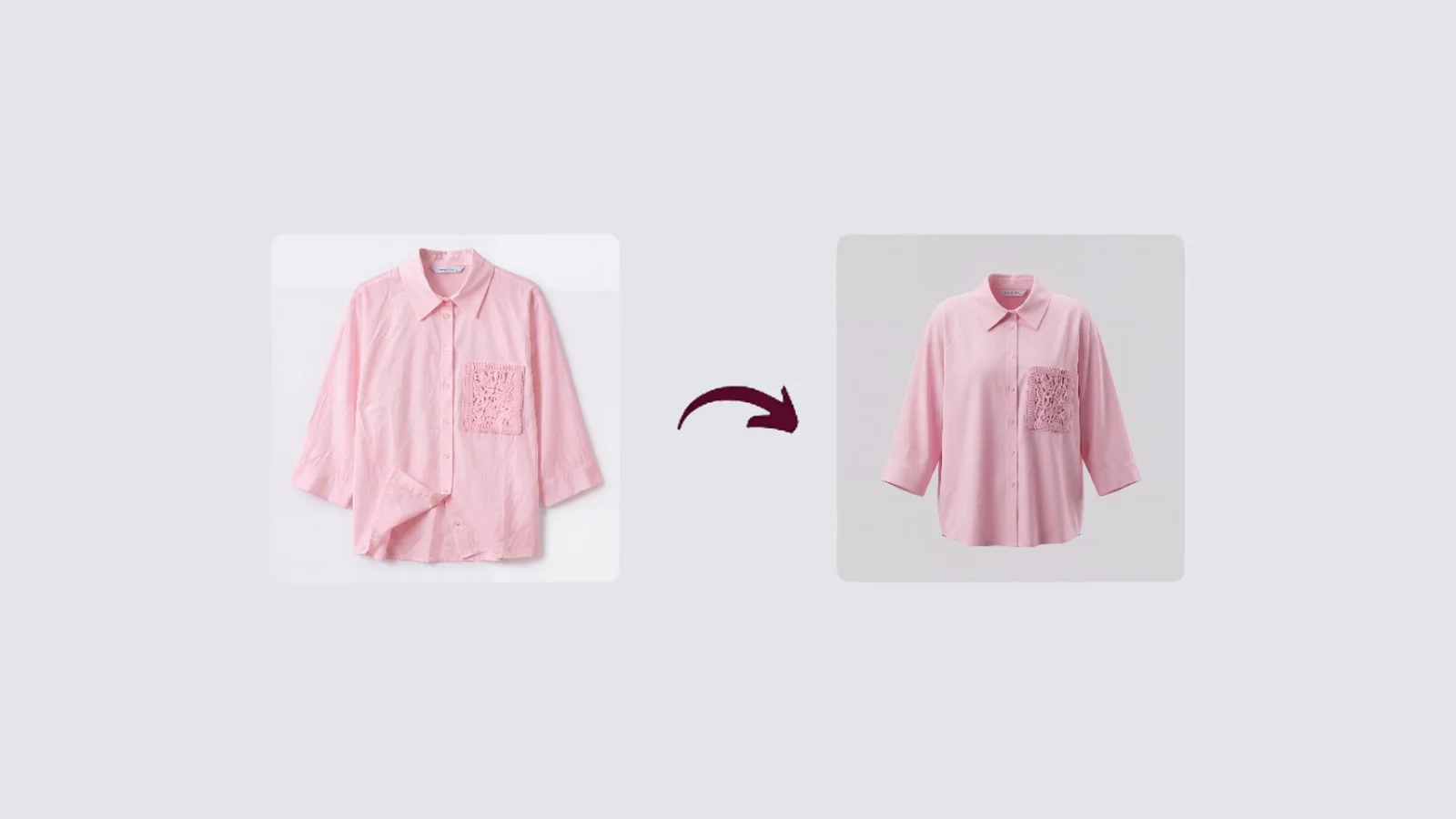
The best way to create ghost mannequin photos depends on your volume and fabrics. AI tools such as Fit It On and Photoroom turn a flat-lay or mannequin photo into an invisible-mannequin image in seconds at a low cost per image. Retouching services like Pixelz suit lace, sheer and luxury pieces. Photoshop gives full control if you have the skills.
Last updated: November 2026 · Prices checked November 2026
Fit It On is our product. We've noted where another tool is the better fit.
The ghost mannequin effect, also called invisible mannequin or hollow man, shows a garment's 3D shape with no model or mannequin in sight. Shoppers see the cut, the neckline and the inside of the collar. This guide explains how each method works, what it costs, and where each one falls short.
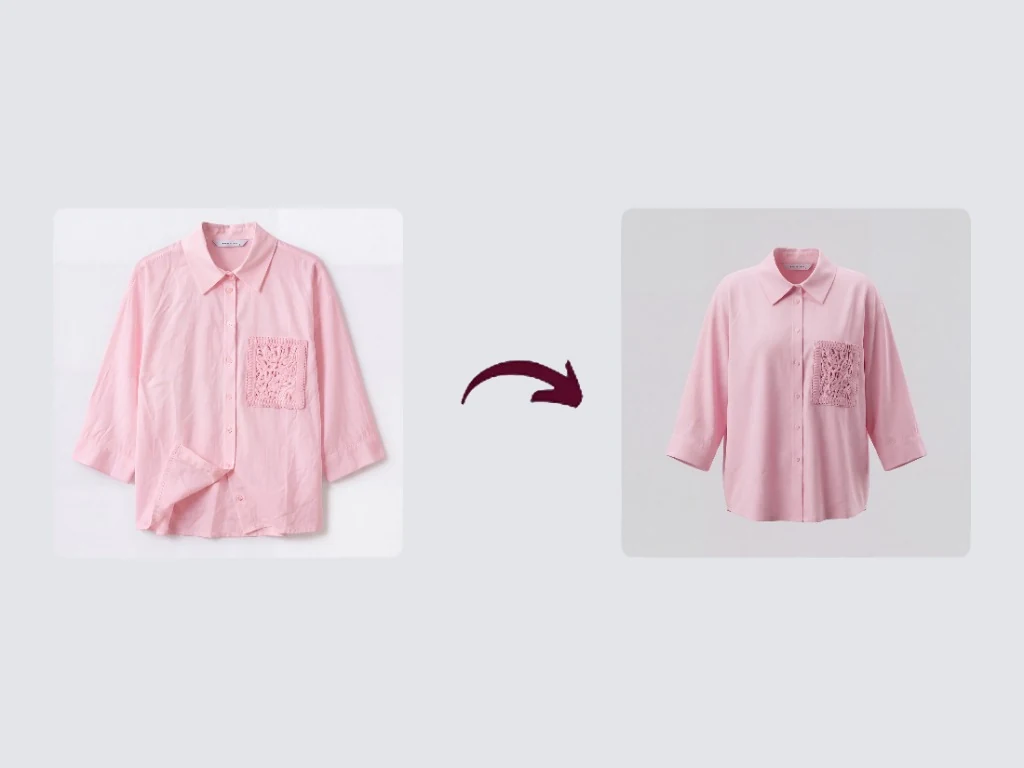
Which ghost mannequin tool should you use?
Use AI for everyday tops, knits and outerwear at volume. Use a human retoucher or Photoshop for sheer, lace and high-end pieces where every edge matters.
| Option | How it works | Price | Best for | Limitation |
|---|---|---|---|---|
| Fit It On | AI, from a flat-lay or mannequin photo | 1 credit at 1K, 3 at 2K, 5 at 4K; plans from $4.99/month | Apparel stores that also want on-model shots from the same photo | Apparel-focused; video and custom models need Pro or Agency |
| Photoroom | AI ghost mannequin tool plus background editing | Pro $12.99/month, or $7.50/month billed yearly | Sellers who already use it for backgrounds | Shopify integration needs the Max plan |
| Pixelz | Retouching service with human editors | Solo $9/month + from $1.45/image; Professional $95/month + from $0.95/image | Lace, mesh, sheer and premium lines | Turnaround in hours or days, not seconds; you still shoot the photos |
| Freelance retoucher | Manual compositing by a person | Varies; agree a per-image price | Small batches with special requests | Quality and speed depend on the person |
| Photoshop (DIY) | Two photos, masked and combined by you | See vendor site (price varies by country and plan) | Photographers who already retouch | Slowest per garment; needs skill |
Pixelz's per-image prices are its general starting rates. Ask them to confirm which plan covers invisible mannequin work for your garments.
What should you look for in a ghost mannequin tool?
Check the neckline first. Removing the mannequin is easy; rebuilding the inside of the collar so it looks real is the hard part.
- Neck and collar rebuild: the back of the collar and inner neckline should look like fabric, with natural shading, not a flat grey patch.
- Edges and symmetry: sleeves and shoulders should be even, with clean edges and no leftover mannequin.
- Faithful details: prints, pockets, buttons and stitching must match the real garment. Zoom in and compare.
- Input it accepts: some tools need a mannequin photo; others work from a flat-lay or hanger shot.
- Output size: aim for about 2,000 px on the longest side. That meets Shopify's suggestion and Amazon's zoom minimum (details below).
- Pricing model: per image, per credit or monthly. Match it to how many SKUs you shoot each month.
How do AI ghost mannequin tools work?
You upload one photo of the garment, and the AI removes the mannequin or reshapes the flat-lay into a hollow 3D form, then rebuilds the inside of the neckline. You get a clean image in seconds.
In Fit It On's ghost mannequin tool, you can upload a flat-lay or a photo on a regular mannequin and add a short text instruction if you need one. Each image costs 1 credit at 1K, 3 credits at 2K and 5 at 4K. See pricing for plans.
What makes a good input photo?
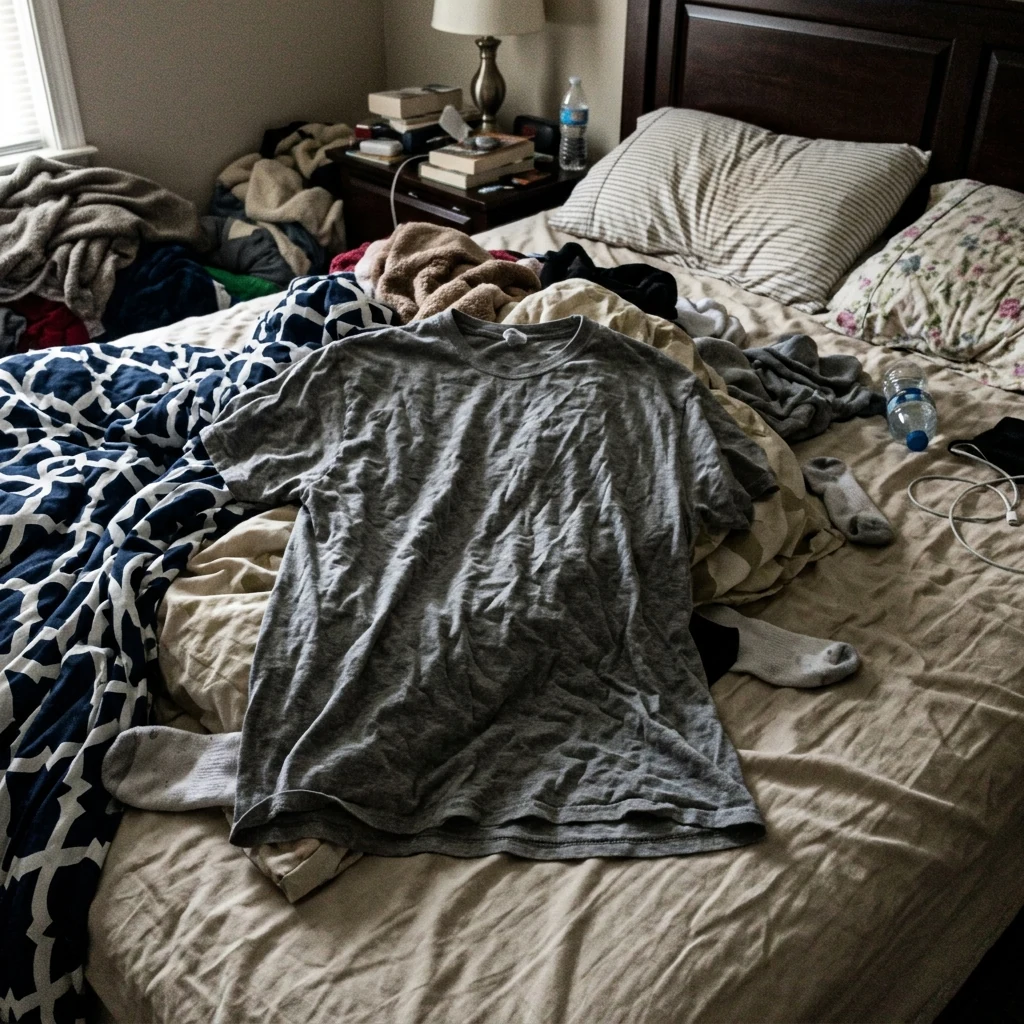
The AI can only work with what it sees. A clean, evenly lit photo of the whole garment gives the best result.
- Steam out wrinkles first.
- Use a plain, light background.
- Show the full garment, from collar to hem.
- Avoid harsh shadows and dark garments on dark floors.
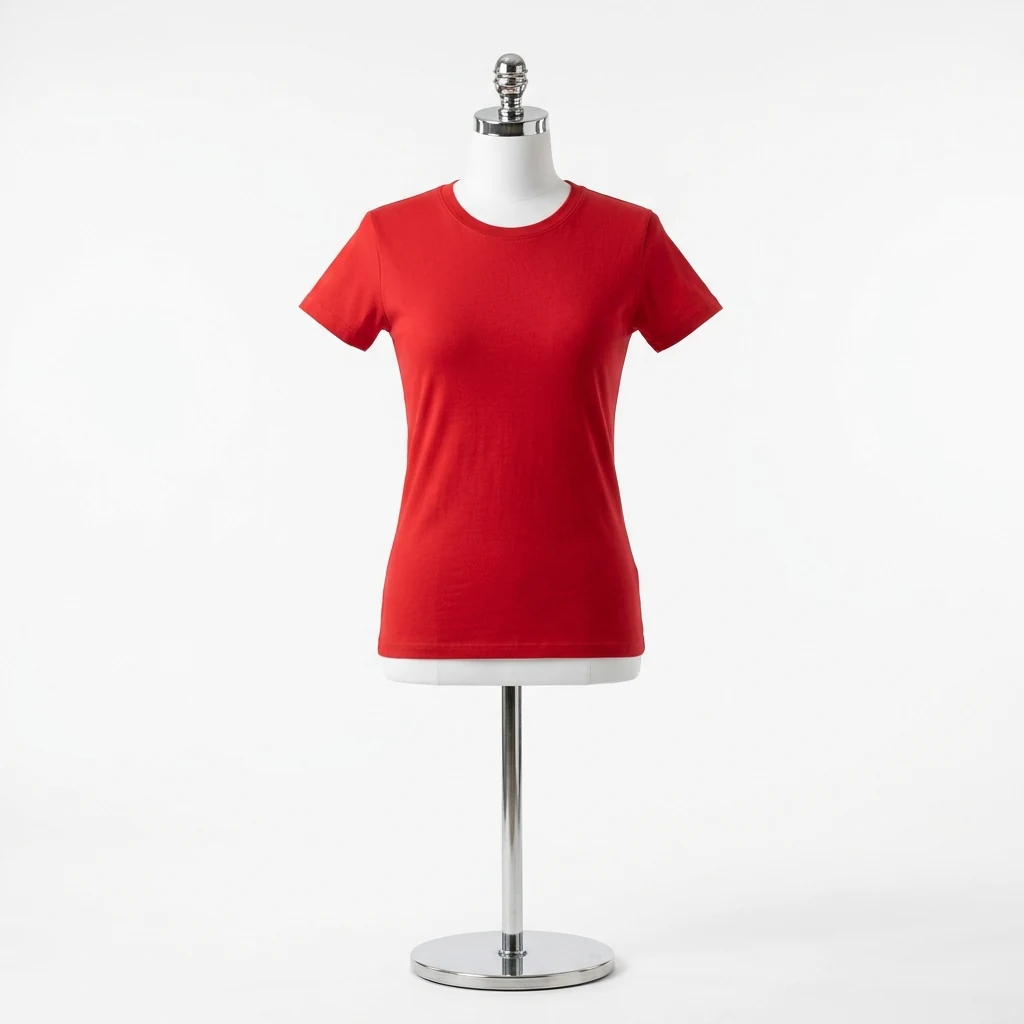
Many stores use the same photo twice: once for a ghost mannequin shot and once for an on-model shot. Our flat-lay to on-model guide covers the second part.
How do you create a ghost mannequin photo in Photoshop?
You shoot the garment twice, on the mannequin and inside-out, then combine the two photos so the mannequin disappears and the back of the collar shows.
- Dress the mannequin and photograph the front, with the camera level and even light.
- Without moving the camera, photograph the inside of the neck and back panel (turn the garment inside out, or use a removable neck piece).
- Open both photos in Photoshop as layers.
- Use the Pen tool to mask out the mannequin from the front shot.
- Place the inside-neck shot behind the front layer and line it up with the collar.
- Blend the edges, add a soft inner shadow, and clean up dust and threads.
- Place it on your background and export at your store's size.
This gives the most control, but every garment takes real editing time. If you have more than a few dozen SKUs a month, an AI tool or a retouching service is usually the better use of your time.
What's the best ghost mannequin tool for a Shopify store?
For most Shopify stores, an AI tool that exports at about 2,048 px square is the best fit: fast, low cost per image, and sized for your theme. Use a retouching service for the few pieces where AI struggles.
- Image size: Shopify says a 2048 x 2048 px square image usually displays best. Images can be up to 5000 x 5000 px (25 megapixels) and must be under 20 MB.
- Consistency: Shopify recommends one height-to-width ratio for featured images so collection pages line up. Use the same crop for every product.
- Direct upload: Photoroom can sync images to Shopify on its Max and Ultra plans. With Fit It On, you download the images and add them to your products in Shopify.
- Shopper try-on: separately from product photos, the Fit It On Shopify app adds a virtual try-on widget so shoppers can see your garments on their own photo. It does not create ghost mannequin images.
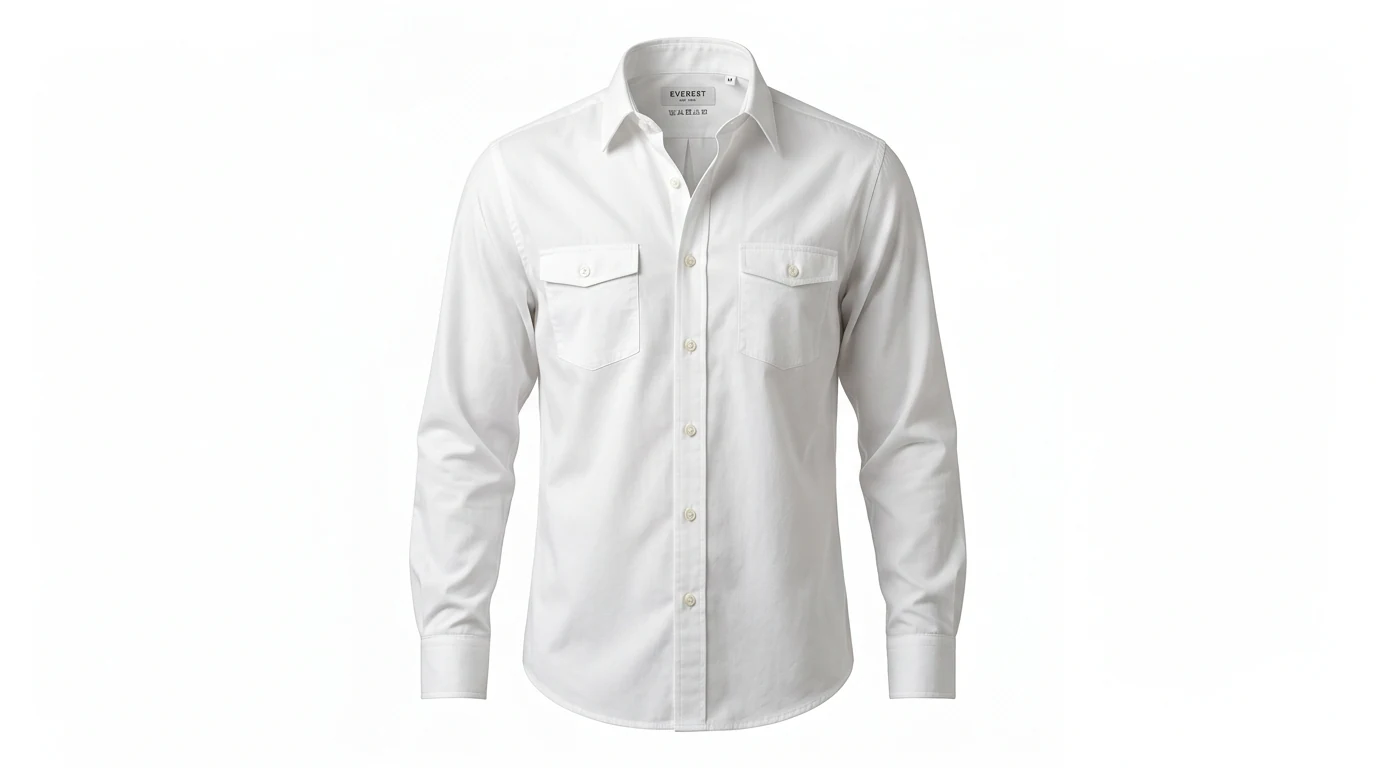
What resolution do ghost mannequin images need?
Aim for about 2,000 px on the longest side. That one size works for both Shopify and Amazon.
- Shopify: 2048 x 2048 px usually displays best for square product images.
- Amazon: images need at least 1,000 px on the longest side for zoom, according to Amazon's product image guide. Amazon's 2022 clothing style guide caps apparel at 3,900 px.
On Amazon, a ghost mannequin image can't be the main image for adult clothing: Amazon requires adult clothing to be shown on a standing model. Use ghost mannequin shots in alternate image slots. Our Amazon clothing image guide covers the rules.
Related guides
Frequently asked questions
What is the ghost mannequin effect?
It shows clothing in its worn 3D shape as if on an invisible body. Traditionally, the garment is photographed on a mannequin, then the mannequin is removed in editing and the inside of the collar is added back. AI tools now do this from a single photo.
Does AI ghost mannequin work on lingerie, swimwear and sheer fabrics?
It works on many swimwear and lingerie pieces with solid fabric, but sheer, lace and mesh are where AI most often fails. The AI can blur fine patterns or fill see-through areas with solid color. Check every result at full size, and send delicate pieces to a human retoucher. If you sell on Amazon, check its separate rules for intimate apparel and swimwear images.
Do I still need Photoshop for ghost mannequin photos?
Not for most everyday garments. AI tools handle tees, shirts, knits and jackets well from one good photo. Photoshop or a retoucher is still worth it for complex construction, sheer fabric and hero images.
Ghost mannequin or on-model: which is better for ecommerce?
Use both if you can. Ghost mannequin shots show construction and keep a catalog consistent; on-model shots show fit, drape and styling. You can often make both from the same product photo.
What is the best ghost mannequin tool for ecommerce clothing photos?
For volume, an AI tool such as Fit It On or Photoroom gives a usable image in seconds at a low cost per image. For lace, sheer or premium lines, a service like Pixelz gives more reliable edges. Test two or three of your own garments before you commit.