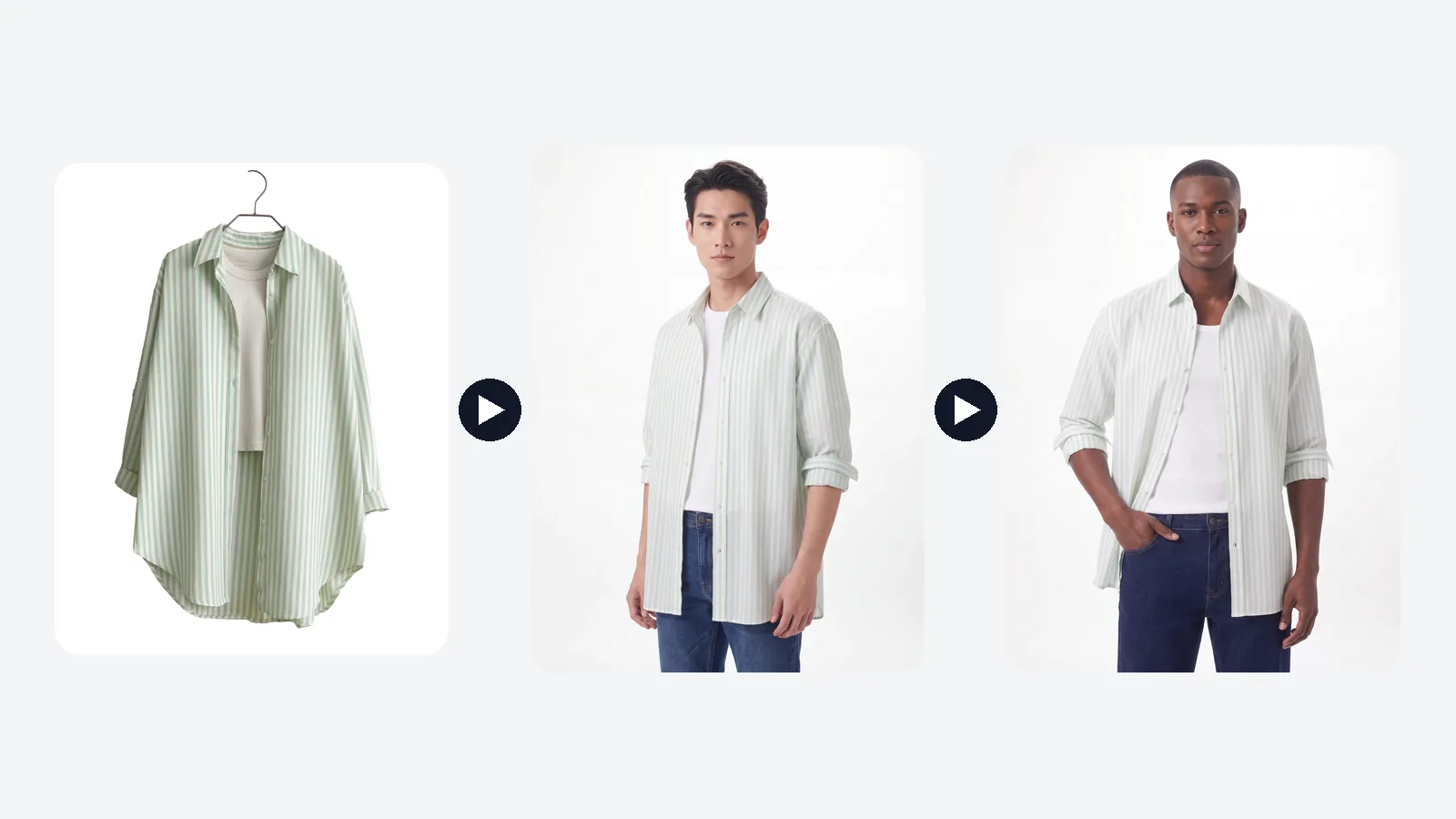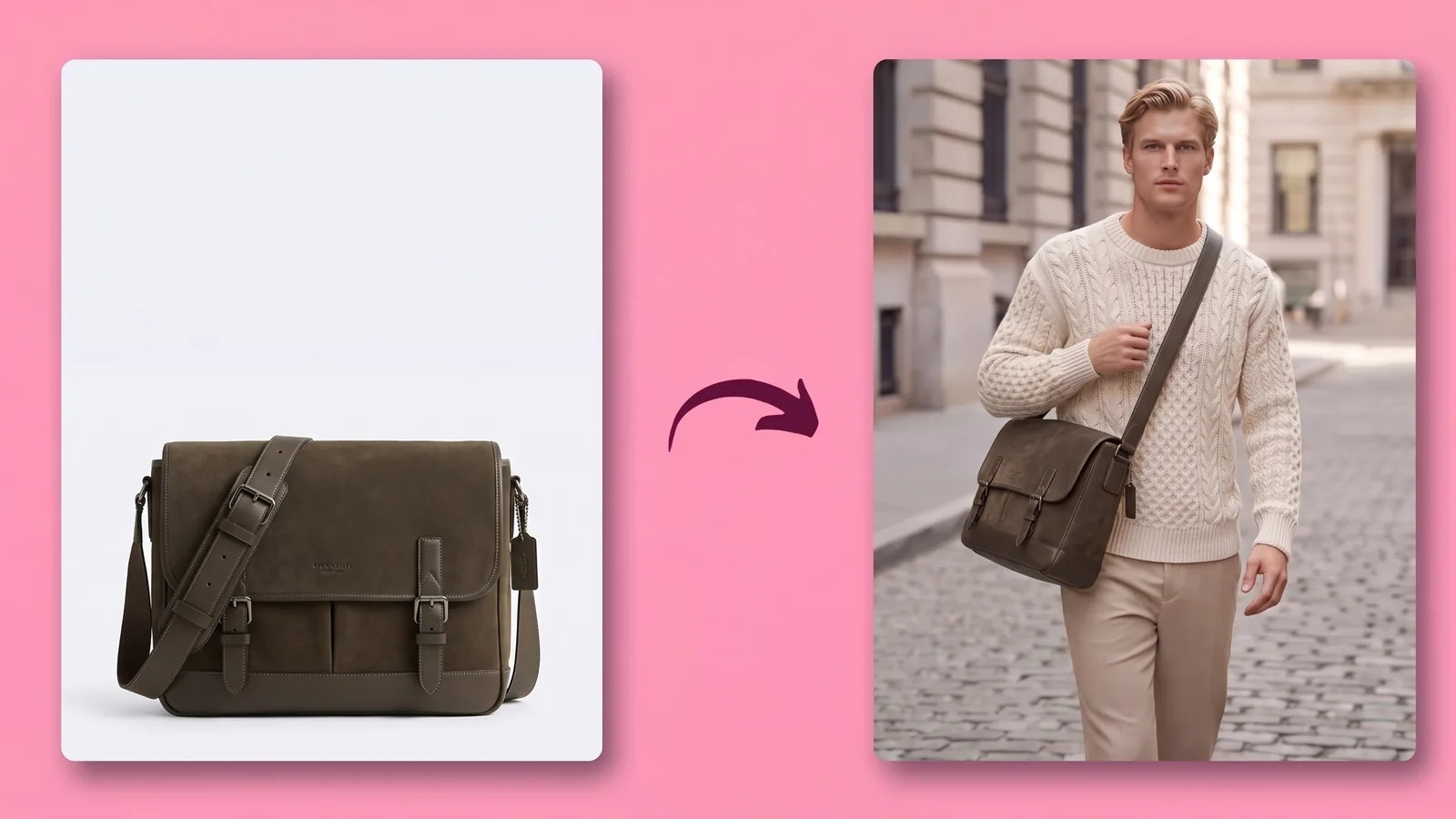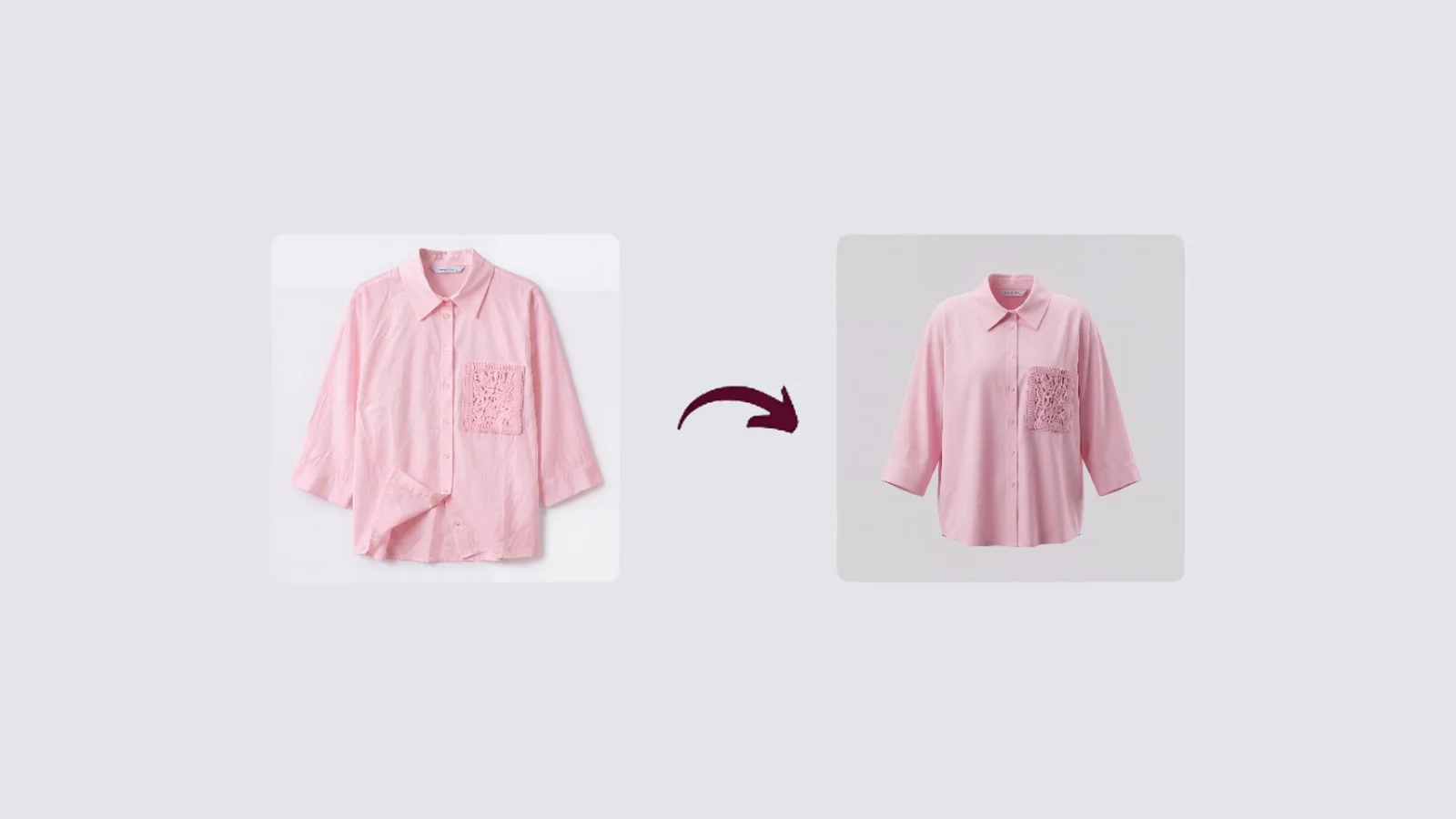
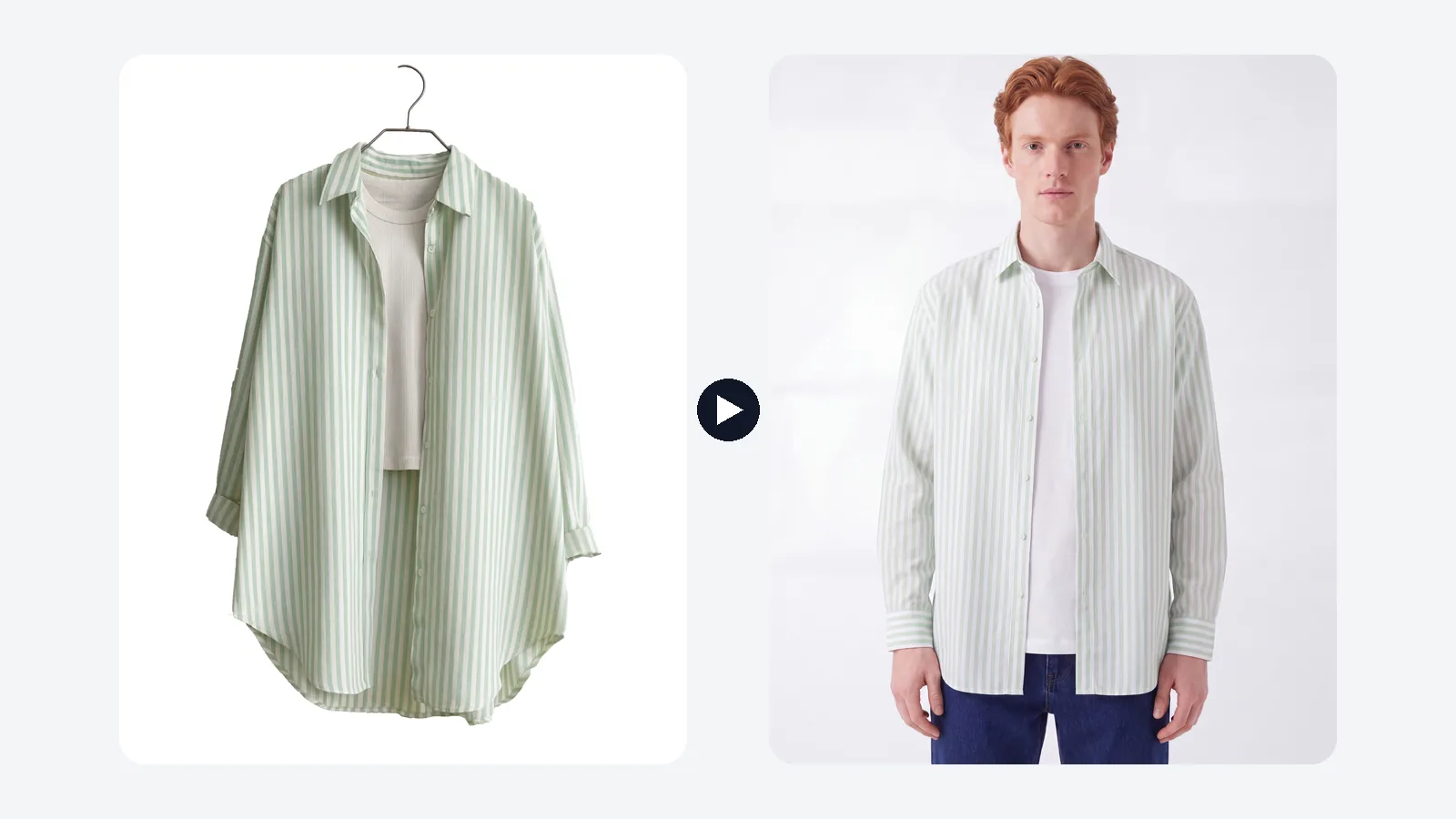
Amazon clothing main images must show the product on a pure white background (RGB 255, 255, 255) and fill about 85% of the frame. Adult clothing must be worn by a standing model, with no visible mannequin or hanger. Kids' swimwear, underwear and leotards must lie flat with no model. AI images are allowed, but AI-generated people must be tagged.
Last updated: November 2026 · Prices checked November 2026
This guide covers Amazon's own rules for clothing images, with a link to the source for each one, and a plan for filling every image slot from a single product photo. Fit It On is our product. We've noted where another tool is the better fit. For a wider comparison of photo tools, see our AI product photo tools guide.
What are Amazon's main image requirements?
The main image must be a real photo of one product, on pure white, filling 85% of the frame, with nothing added. These rules come from Amazon's Product image guide and its Image guidelines for clothing (US Seller Central, read November 2026).
| Rule | What Amazon requires | Applies to |
|---|---|---|
| Background | Pure white, RGB 255, 255, 255 (#FFFFFF) | Main image |
| Fill | Product takes up 85% of the image; nothing cut off by the edge | Main image |
| Model (adult clothing) | Shown on a model who is standing, not sitting, kneeling, leaning or lying down | Main image |
| Mannequins and hangers | No part of a mannequin, of any kind, and no hanger or holder (clothing page exception: stockings and socks) | Main image |
| Kids' form-fitting items | Children's and baby undergarments, leotards and swimwear lie flat, never on a model | All images |
| Extras | No text, logos, borders, watermarks, inset images, props or packaging; one view of one product | Main image |
| Photo, not drawing | Clothing main images must be photos, not sketches or graphics | Main image |
| Size | 500 to 10,000 px on the longest side; 1,000 px or more turns on zoom | All images |
| Shape | Clothing: aspect ratio close to 3:4 (width to height) | Main image |
| Files | JPEG (recommended), TIFF, PNG or non-animated GIF; RGB preferred; at least 72 dpi | All images |
Amazon's older Clothing & Accessories style guide (PDF, March 2022) gives a 3,900 px maximum for apparel. The current help page allows 10,000 px. If you want to satisfy both, keep the longest side between 1,000 and 3,900 px.
Every parent and every color (child SKU) needs its own main image. A main image that breaks these rules can get the listing removed from search until it's fixed.
Can clothing main images use a mannequin?
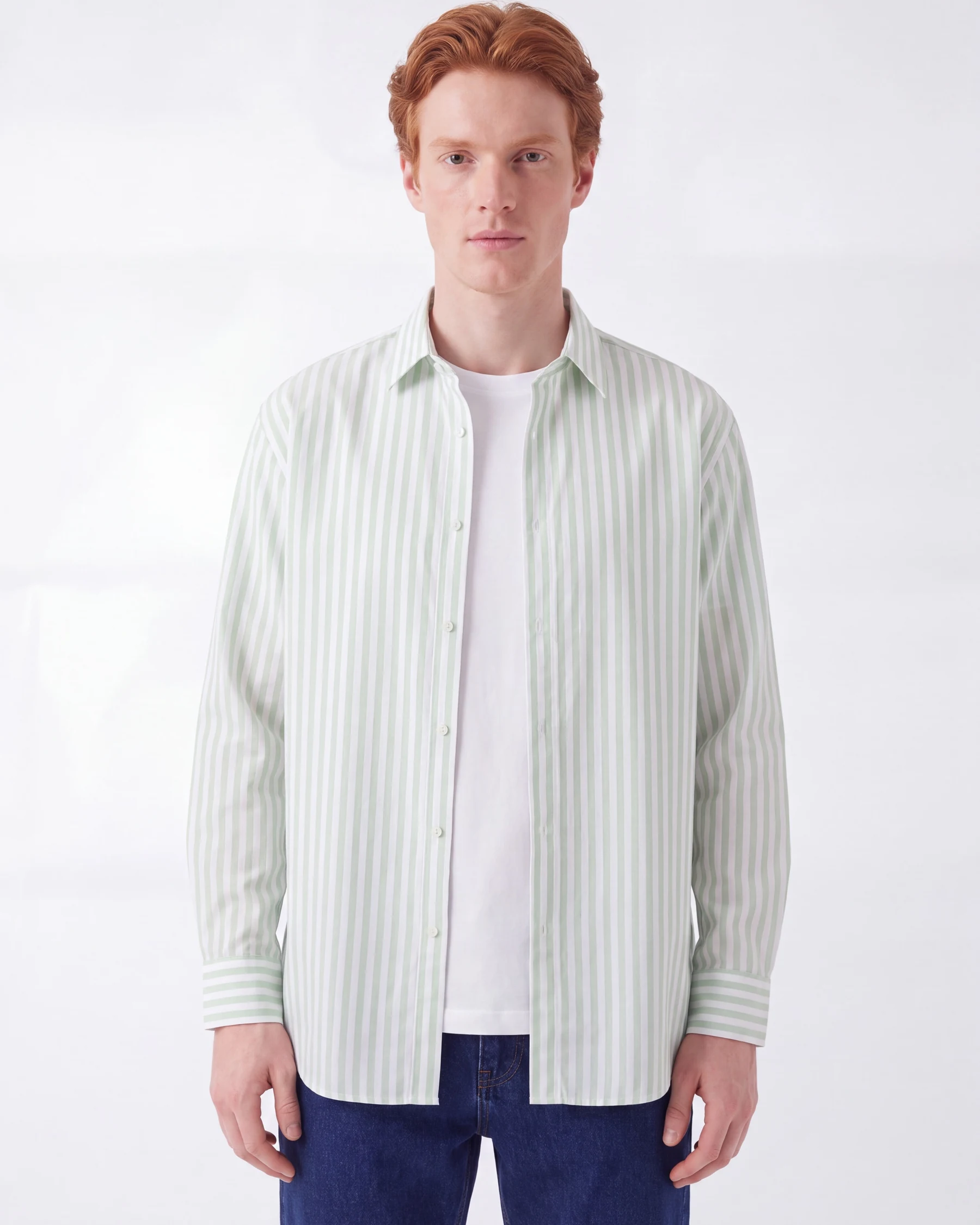
No. Amazon's product image guide says not to show any part of a mannequin, "regardless of the mannequin's appearance", which covers clear, solid-color, flesh-toned and framework mannequins, and items on a hanger. The clothing page makes one exception, for stockings and socks.
Adult clothing
Adult-size clothing must be shown on a model in the main image, and the model must be standing. Amazon encourages models of different mobilities, including people who use wheelchairs or prosthetics. Accessories are the exception: show them flat, without a model.
Kids' and baby clothing
Children's and baby undergarments, leotards, swimwear and similar form-fitting items must be photographed lying flat, with no model, in every image. The 2022 style guide also shows the main image for all kids' and baby clothing shot off-figure, as a flat lay pinned symmetrically and steamed.
What about ghost mannequin photos?
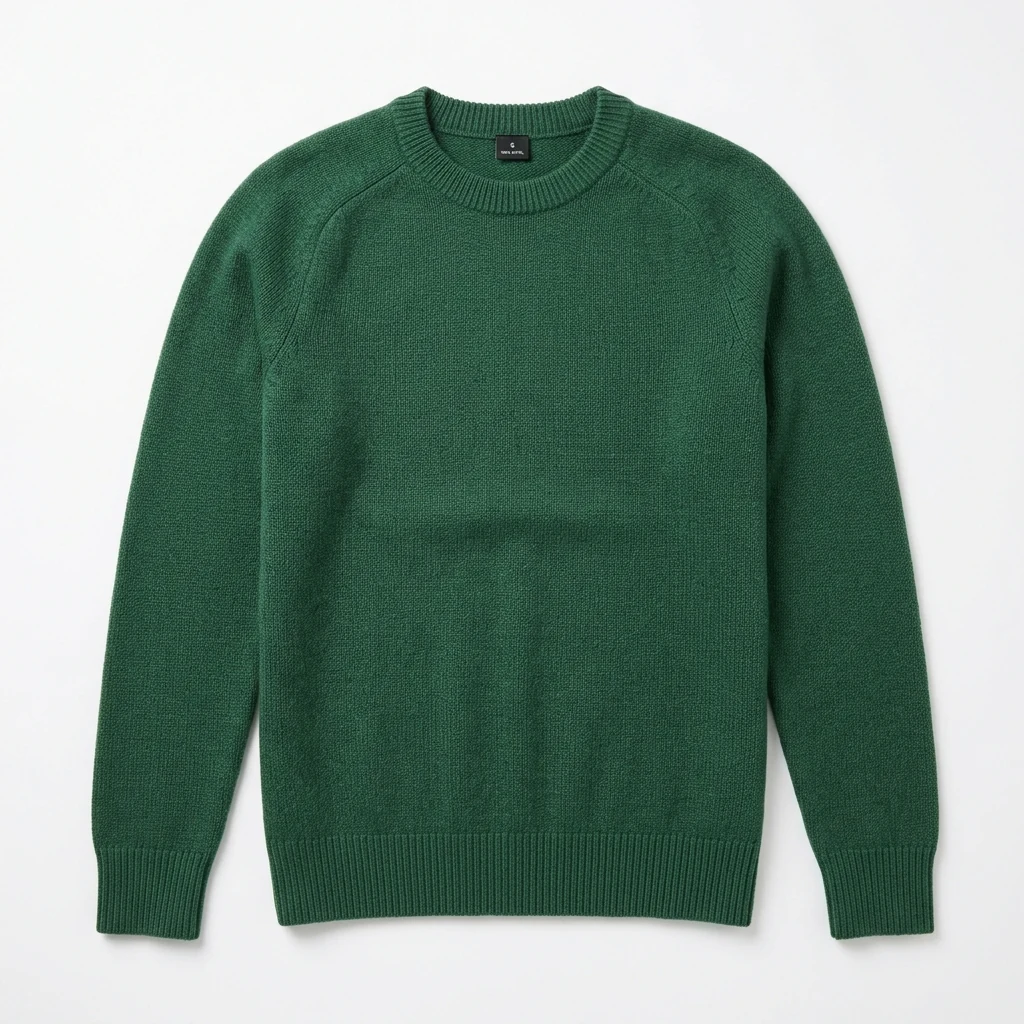
Amazon's pages don't mention the ghost mannequin (invisible mannequin) effect by name. For adult clothing it doesn't solve the main image anyway, because Amazon asks for a model. For kids' items, the style guide shows a flat lay. A ghost mannequin shot is safest in an alternate slot. If you use one, make sure no part of the mannequin is visible. Our ghost mannequin guide covers how to make them.
Does Amazon allow AI-generated product photos?
Yes, with conditions. Amazon's product image guide says that if an image contains photorealistic people who were entirely generated by AI, you must tag the file before uploading so Amazon can show a disclosure where required.
- The tag: add the keyword
contains-synthetic-performerto the image's XMP dc:subject field. Amazon's page How to tag media that contains an AI-generated person shows how to do it in Preview on a Mac, the Tags field in Windows File Explorer, or exiftool. - When not to tag: photos of real people (even if edited with AI tools), images with no people, and people who aren't photorealistic.
- Accuracy still applies: the image must show the real product, with the real color, scale and quantity.
- Main image must be a photo: the clothing page bans sketches, drawings and graphics in main images. A photorealistic AI image of your real garment is a different thing, but any change to the product itself is not allowed.
Fit It On's AI models are AI-generated people, and its exports don't add this tag for you. Add the tag to each file before you upload it to Amazon.
Exiftool can tag a whole folder at once with exiftool -XMP-dc:Subject+=contains-synthetic-performer *.jpg. Run it once only: running it twice writes the keyword twice.
How do I fill all Amazon image slots from one product photo?
Start from one clean product photo, make an on-model main image, then generate the other views from that. Amazon lets you add up to eight alternate images per parent or child SKU, and its product image guide recommends at least six images plus one video on top of the main image.
- Main (MAIN): adult garment on a standing AI model, front view, no props. Place it on pure white and check the corners read RGB 255, 255, 255 with a color picker.
- Back view (PT01): the same model from behind. The style guide asks for a back shot whenever possible.
- Side or three-quarter view (PT02): shows cut and fit.
- Detail close-up (PT03): fabric texture, stitching, collar or brand tag. Crop this from a real photo of the garment, not an AI image, so the detail is exact.
- Styled or lifestyle shot (PT04): alternate images may use a setting and props.
- Off-figure shot (PT05 or FL01): the style guide recommends an off-figure alternate for products imaged on a model. A flat lay or ghost mannequin shot works here.
- Size chart (PT06): a clean chart with your measurements. Alternate images may not carry promo text such as "sale" or "free shipping".
- Video: a short clip of the model moving shows drape. Amazon's style guide lists MP4 or MOV.
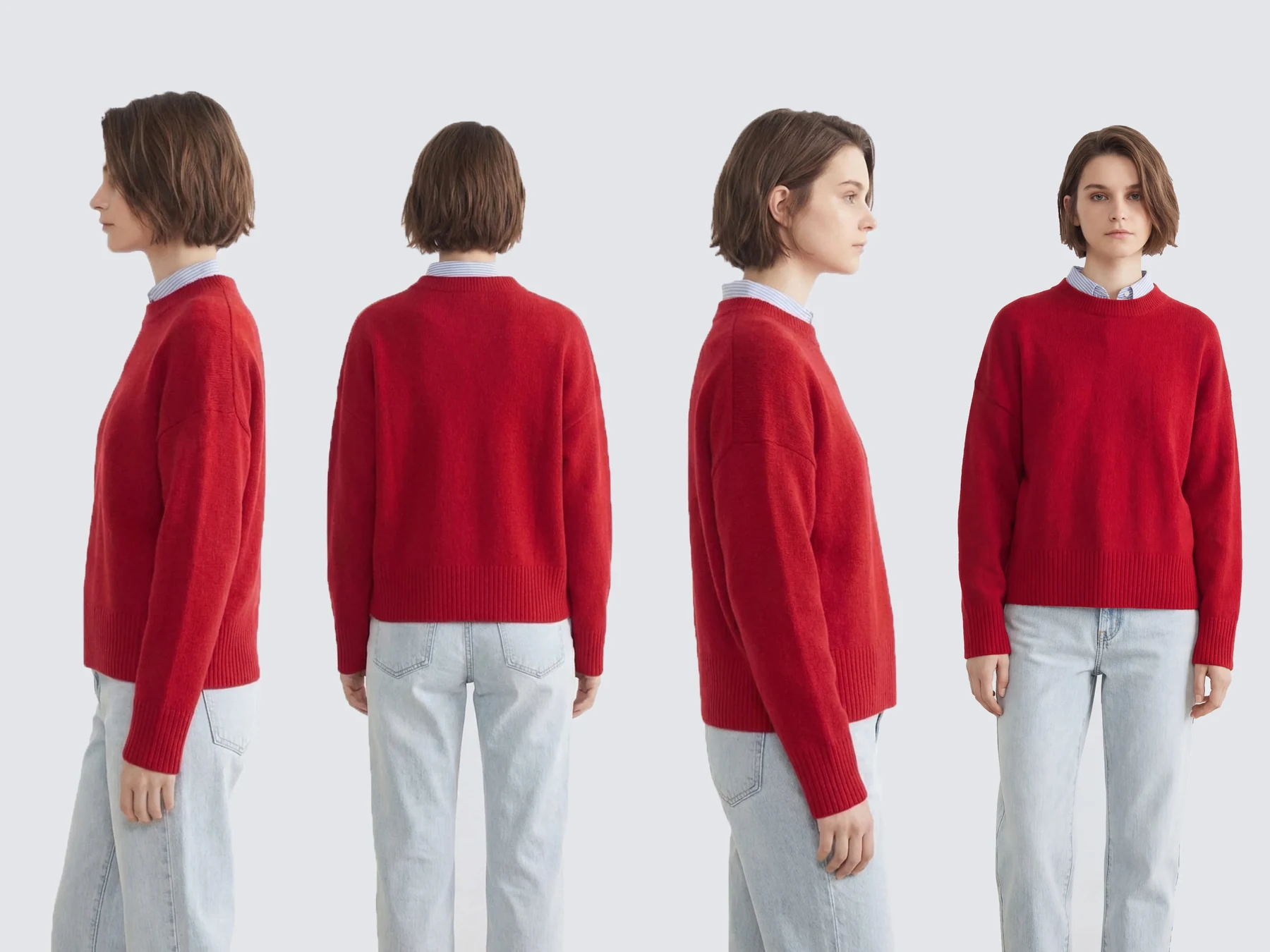
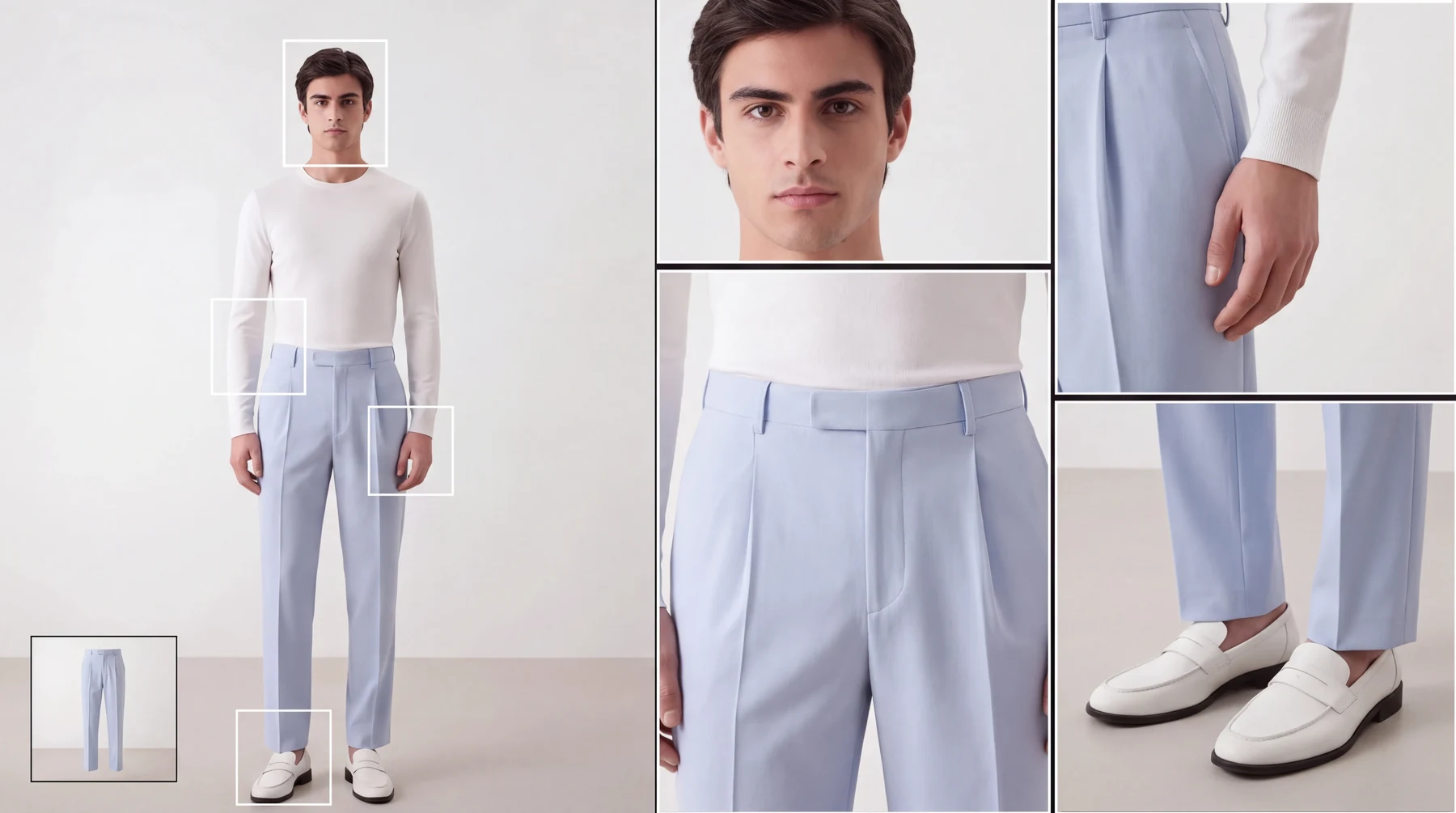
Keep the crop the same across all slots. The style guide says if the main image is rectangular, keep the others rectangular, and the same for square.
Which AI tools help with Amazon clothing images?
Use an on-model tool for the main and angle shots, and a background tool to get to pure white. Four that cover the job:
- Fit It On: on-model images from a flat-lay or hanger photo (product-to-model), back and side views (generate angles), model swap and video. From 1 credit per image at 1K; 4K costs 5 credits; background removal is 1 credit. Plans from $4.99/month (pricing). Limitations: apparel-focused; outputs are not on pure white by default; video and custom models need Pro or Agency.
- Photoroom: fast background removal to white in bulk, plus AI fashion models. Pro is $12.99/month, or $7.50/month billed yearly. Limitation: 4K images need the top Ultra plan.
- Claid: bulk enhancement, background removal and AI fashion models through an app or API. Pricing: see vendor site. Limitation: credit costs differ per tool, so estimate before committing.
- Canva: size charts and A+ content layouts. Pricing: see vendor site. Limitation: not built for on-model photos.
Whatever tool you use, check the finished main image against the table above before upload. No tool can promise Amazon will accept an image.
Related guides
Frequently asked questions
What is the best AI tool for Amazon product photos?
For clothing, use an on-model tool such as Fit It On, Photoroom or Claid for the main and angle shots, then make sure the background is pure white. For non-clothing products, a background removal tool like Photoroom covers most main images. Our tool comparison lists more options.
How many images can an Amazon clothing listing have?
One main image plus up to eight alternate images per parent or child SKU, according to Amazon's clothing image guidelines. Amazon's product image guide recommends at least six additional images and one video.
Do I have to disclose AI models on Amazon?
Yes, if the image shows photorealistic people who were entirely generated by AI. Add the keyword contains-synthetic-performer to the file's XMP dc:subject field before upload. Don't add it for real people edited with AI, or for images with no people.
Can I use a ghost mannequin image as my Amazon main image?
Not for adult clothing, because Amazon requires the main image to show adult clothing on a standing model. Amazon's pages don't name the ghost mannequin effect, and its style guide shows kids' main images as flat lays, so use ghost mannequin shots in alternate slots.
What size should Amazon clothing images be?
At least 1,000 pixels on the longest side so zoom works; uploads below 500 pixels are rejected. The current help page allows up to 10,000 pixels, while the 2022 clothing style guide says 3,900. Keeping between 1,000 and 3,900 pixels meets both.
Why was my Amazon clothing image rejected?
The usual causes are an off-white or grey background, a visible mannequin or hanger, a model who isn't standing, added text or logos, or a cropped product. Check each one against Amazon's clothing image guidelines and upload a corrected main image.