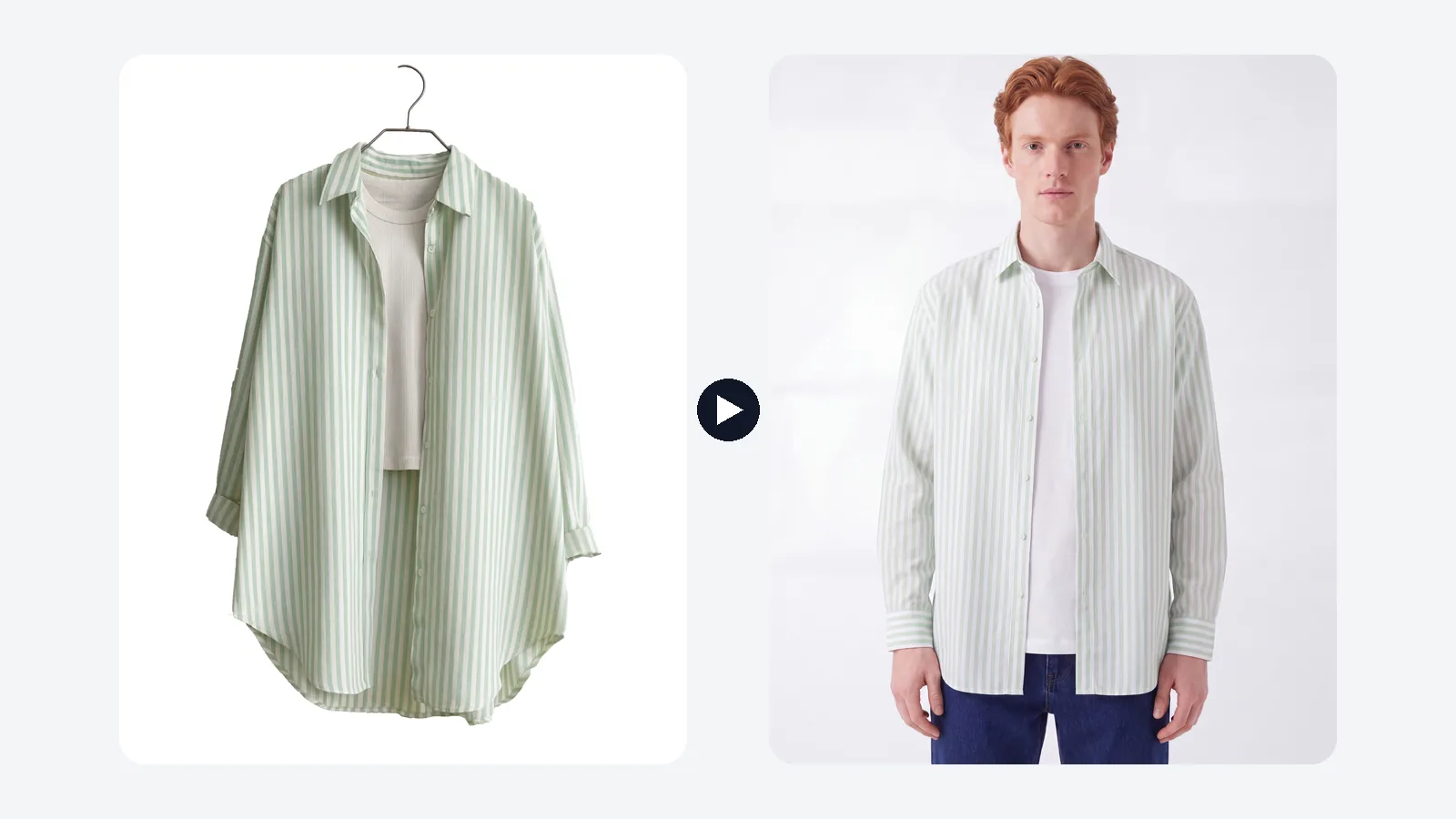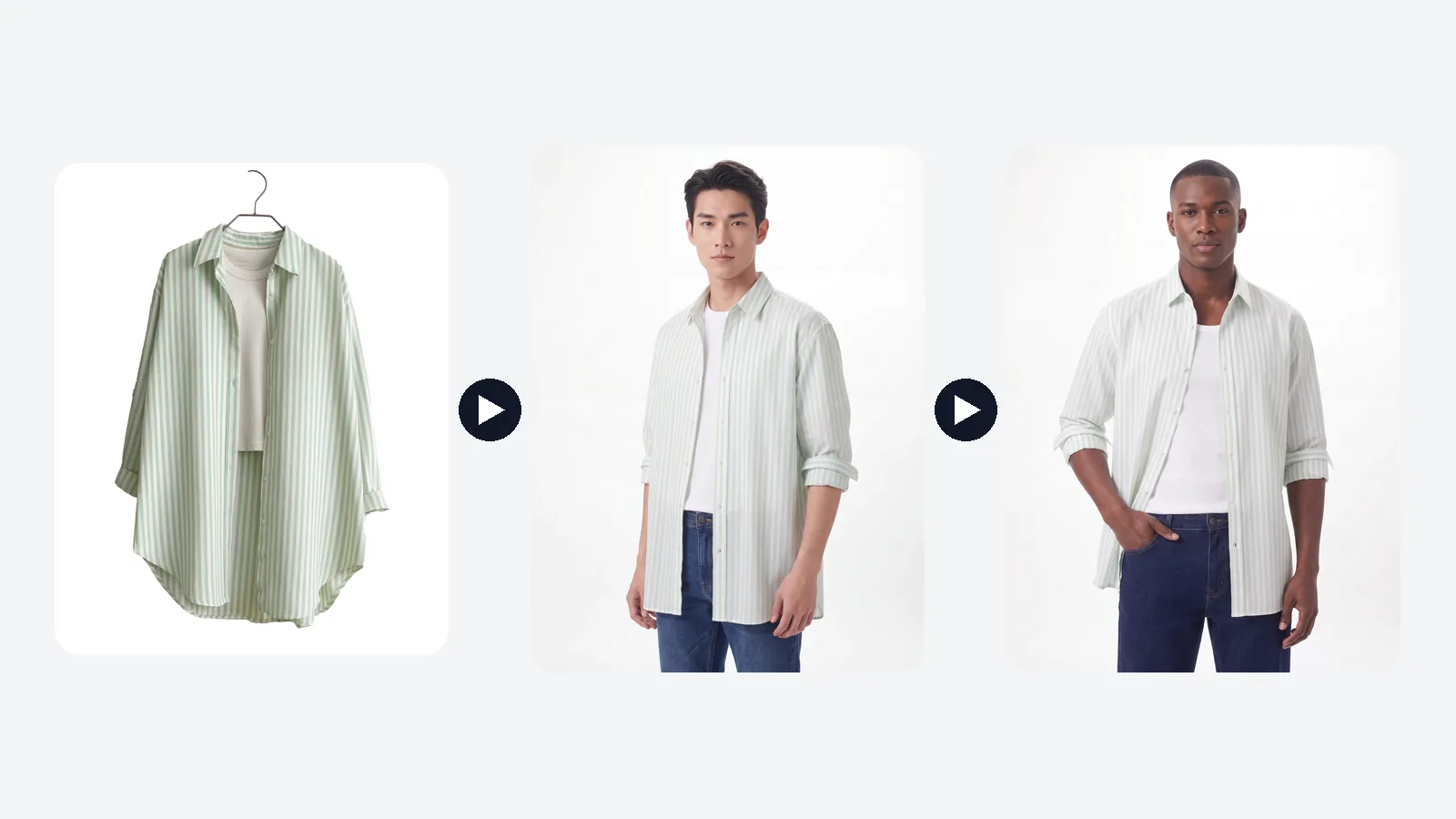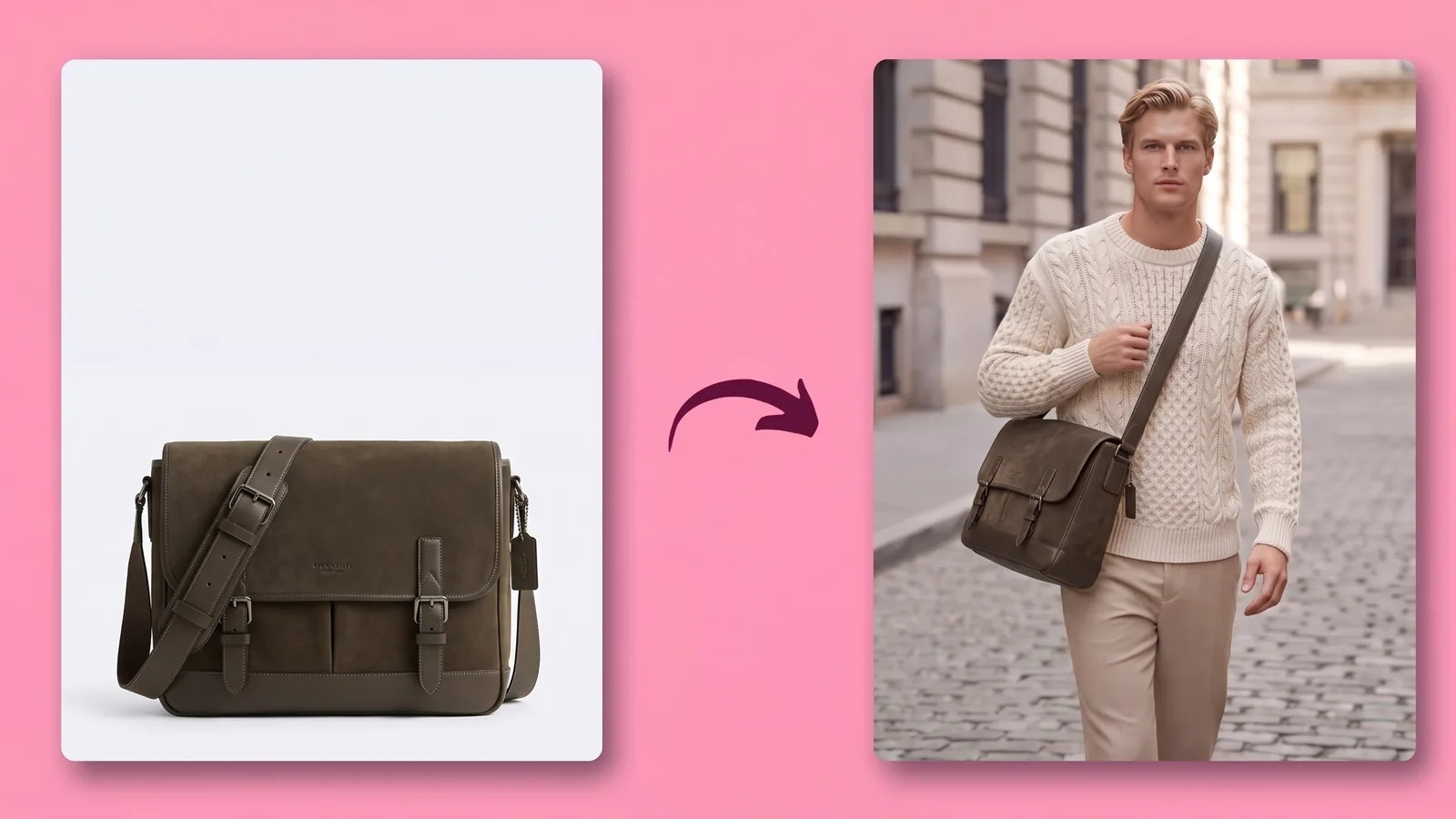
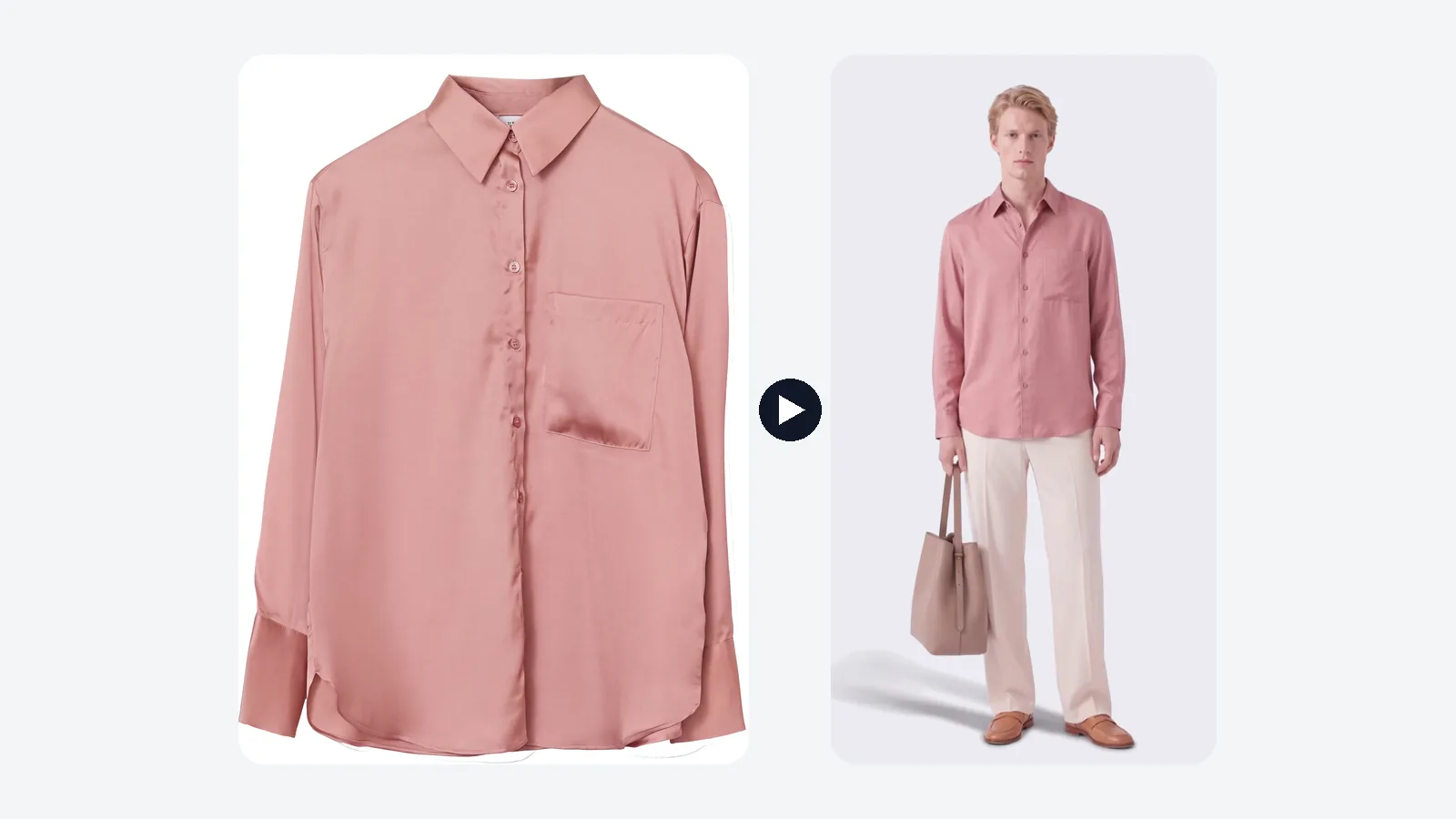
AI image-to-video turns one on-model product photo into a short clip where the model shifts, turns and the fabric moves, with no camera or crew. In Fit It On, the Pro and Agency plans make 3 to 15 second clips at 720p or 1080p, with sound on by default, for 5 to 30 credits per clip.
Last updated: November 2026
This guide shows two real clips, what each length and resolution costs, how to get natural motion, and where AI video still gives itself away.
How long can an AI fashion video be, and what does it cost?
On Pro and Agency, a clip can be any whole number of seconds from 3 to 15, at 720p or 1080p. The cost is 1.5 credits per second at 720p (rounded up) and 2 credits per second at 1080p.
The cost-per-clip columns use the Pro plan's credit price: $29/month for 300 credits, or about $0.097 per credit.
| Clip length | 720p credits | 720p cost (Pro) | 1080p credits | 1080p cost (Pro) |
|---|---|---|---|---|
| 3 seconds | 5 | $0.48 | 6 | $0.58 |
| 5 seconds | 8 | $0.77 | 10 | $0.97 |
| 6 seconds | 9 | $0.87 | 12 | $1.16 |
| 8 seconds | 12 | $1.16 | 16 | $1.55 |
| 10 seconds | 15 | $1.45 | 20 | $1.93 |
| 15 seconds | 23 | $2.22 | 30 | $2.90 |
Turning audio off does not change the price. On Agency ($69/month for 1,000 credits) each credit costs less, about $0.069. See pricing for all plans.
Which plans include video?
- Pro and Agency: Kling 3.0 Omni, 3 to 15 seconds, 720p or 1080p, audio on by default with an on/off switch.
- Free, Personal and Starter: no video. Image tools only.
- AppSumo lifetime accounts: a different model (Google Veo 3.1 Fast) with fixed 4, 6 or 8 second clips at 720p, for 6, 9 or 12 credits.
Speed: our benchmarks page, measured on real production jobs from July to November 2026, shows a median of about 80 seconds for an 8-second clip. Video takes longer than a still image, so plan to queue a few and review them together.
What do AI fashion videos look like?
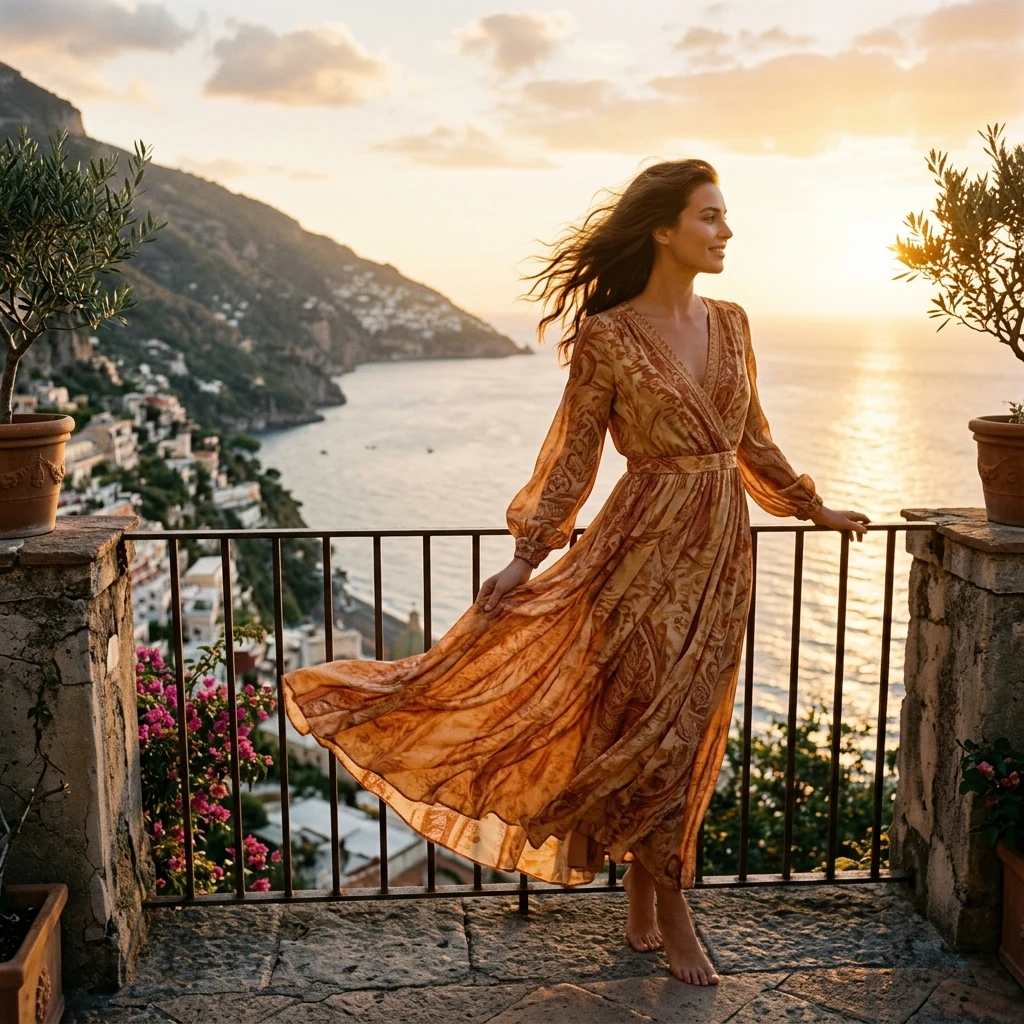
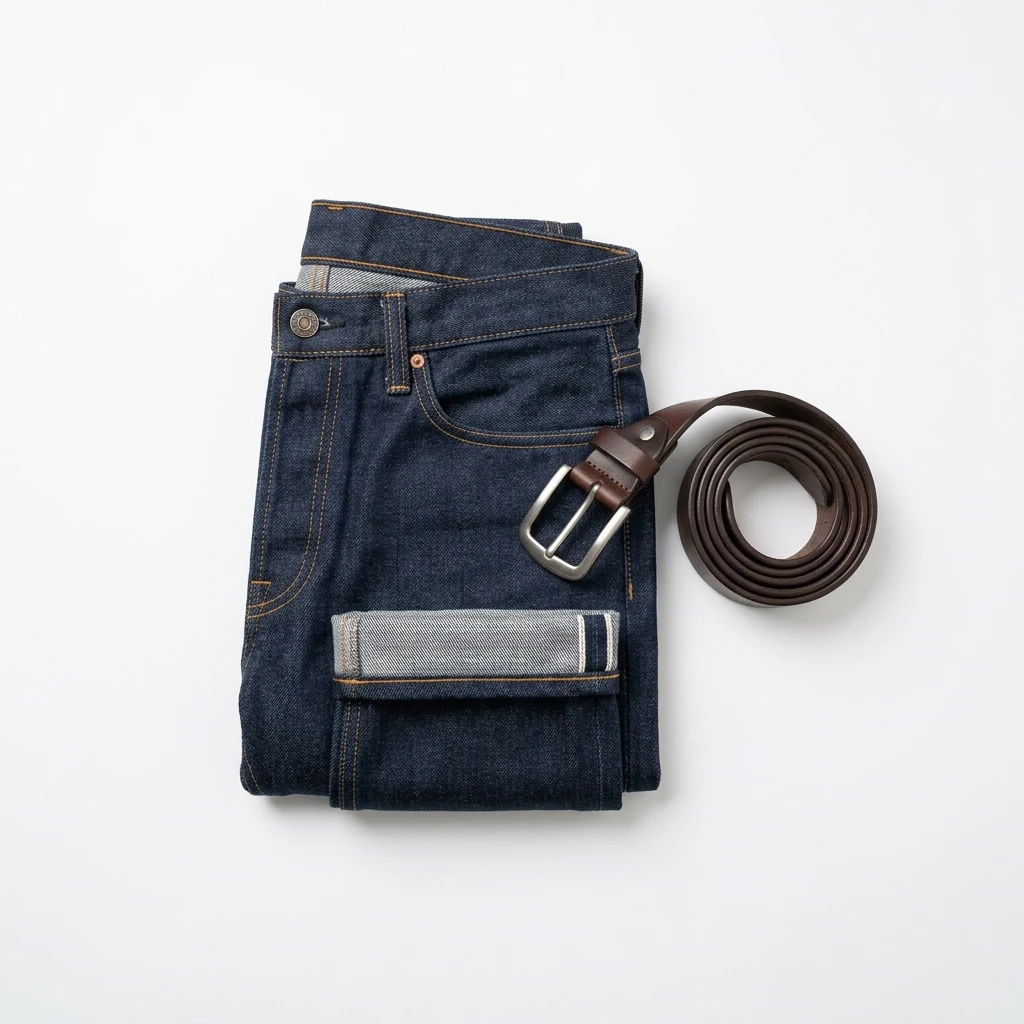
Most clips show small, believable movement: a weight shift, a hand moving, a slow turn. Both clips below were made with Fit It On's image-to-video from a single still photo.
Both files are shown muted here. Clips you make on Pro or Agency come with a generated soundtrack unless you switch audio off.
How do I create a fashion product video from a photo?
You need one good on-model photo, then you pick a length and resolution and generate. If you only have product shots, make the on-model photo first.
- Get an on-model image. If you have flat-lays or packshots, turn them into model photos with product-to-model first.
- Crop to the frame you want. Use a tall 9:16 or 4:5 crop for Reels, TikTok and mobile product pages.
- Open image-to-video and upload the photo, or send it from your gallery.
- Pick length and resolution. Use the table above. 5 to 8 seconds at 720p is a good first test.
- Add a short motion prompt (optional). For example: "slow turn to show the back, then face the camera". Leave it blank and a default motion prompt is used.
- Choose audio on or off. Turn it off if you will add music or a voice-over later.
- Review and keep the best take. Expect some takes to fail the checks in the "What still looks fake" section below.
How do I get natural motion? Tips for better clips
The source photo decides most of the result. A sharp, full-body photo with space around the model gives the AI room to move.
- Start with your best still. Sharp, evenly lit, high resolution. Blur and noise get worse in motion.
- Show the whole garment. Cropped hems or sleeves force the AI to invent the missing parts as the model moves.
- Use a relaxed, open pose. Arms slightly away from the body and a natural stance move better than crossed arms or hands in front of the garment. Pose control can fix the pose before you animate.
- Keep the background simple. Plain studio backdrops warp less than busy street scenes.
- Ask for slow, small motion. "Slight weight shift" or "slow quarter turn" holds the garment together better than "spin" or "walk quickly".
- Keep it short. Most product pages and social posts need 5 to 8 seconds. Longer clips cost more and give the AI more time to drift.
- Test at 720p, then redo the winner at 1080p. It costs less to find the right prompt at the lower resolution.
Where should I use AI fashion videos?
Use them anywhere a still photo cannot show movement or the back of a garment. The most common places are:
- Product pages: a 5 to 8 second clip next to the main image shows how the fabric moves.
- Reels, TikTok and Stories: use the clip as the base, then add text, price and music in your editor.
- Paid social ads: make several versions of one product to test which motion or crop works.
- Email: many email apps do not play video, so use a still frame or a short GIF that links to the product page.
Check each marketplace's own rules before you upload AI video to a listing. Requirements differ by platform and change often.
What still looks fake in AI fashion video?
Hands, garment details that change between frames, and fast movement are the most common giveaways. Watch every clip at full size before you publish it.
- Hands and fingers: fingers can merge, bend wrongly or change count when hands move or touch pockets.
- Garment morphing: prints, logos, text, buttons and stripes can shift or warp between frames. Check that the last frame still matches your product.
- Invented backs and sides: on a turn, the AI guesses what it never saw. A back yoke, zip or print may not match the real item.
- Fast turns and walking: quick motion causes blur, rubbery limbs and fabric that passes through the body.
- Wrong fabric behaviour: stiff denim may sway like jersey, and light silk may move too little.
- Face and hair drift: the model's face can change slightly during a turn, which matters if you use one consistent model across your catalog.
- Generic sound: the generated audio may not fit your brand. Many sellers switch it off and add their own track.
Rule of thumb: if a shopper could return the item because the clip showed a detail the product does not have, regenerate or don't publish that clip.
Related guides
Frequently asked questions
How do I create fashion product videos from AI renders?
Upload an AI on-model image to an image-to-video tool, pick a length and resolution, and optionally describe the motion you want. In Fit It On this is available on Pro and Agency. A 5 to 8 second clip at 720p is a good first test.
I have product images but no lifestyle footage. Can AI make video from them?
Yes, but start from an on-model photo, not a flat-lay. Turn the product shot into a model photo first, then animate it. A flat-lay has no person in it, so the video has nothing natural to move.
How long can an AI fashion video be?
On Fit It On's Pro and Agency plans, clips run from 3 to 15 seconds in one-second steps. For product pages and social posts, 5 to 8 seconds is usually enough. Longer clips cost more credits and drift more.
Do AI fashion videos have sound?
On Pro and Agency, clips include generated audio by default. You can switch audio off before you generate, and the credit cost stays the same. If you plan to add music or a voice-over, turn it off.
How many credits does a video cost?
720p costs 1.5 credits per second, rounded up, and 1080p costs 2 credits per second. That is 5 to 23 credits at 720p and 6 to 30 credits at 1080p. On the Pro plan that works out to roughly $0.48 to $2.90 per clip.